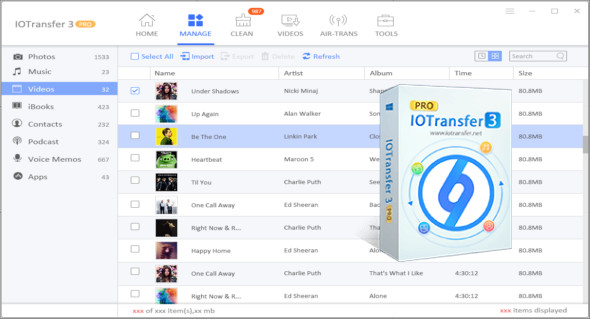
IOTransfer is a useful and intuitive application for easily transferring apps, photos, music, videos, podcasts, and ebooks without having to sync all your data or download files online. You can also use AnyTrans for iOS.
If you own an iPhone, you probably know how difficult it can be to transfer files between your device and a Windows computer. While Apple provides software and cloud services to help, many people wish for an easier way to copy files to and from their iOS devices. IOTransfer is an easy-to-use application that aims to provide just that.
Easily transfer files between your iOS device and your PC
When you launch IOTransfer for the first time, the application should detect your iPhone immediately, provided it's connected to your PC and iTunes is installed. The program displays all the apps, photos, songs, videos, podcasts, and ebooks stored on your device, and you can copy them to your computer.
Furthermore, it's possible to copy data from local storage, and the process is very simple: just press the Import button and select the desired files. If you're transferring photos, you can also specify the album in which they should be stored.
A built-in cleaning function helps you remove unnecessary files from your phone to free up space and memory. Finally, you can search for your favorite videos on popular online services like Vimeo and YouTube, and even download them if you want to enjoy them on your phone, wherever you are.
Version : Pro 4.3.1.1561
Language : Multilingual (French included)
Size : 94.97 MB
Configuration:
– Windows (x32/x64 Bits): XP, Vista, 7, 8, 8.1, 10
IOTransfer 4 Pro 4.3.1.1561
This article was updated on January 4, 2022