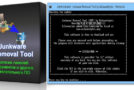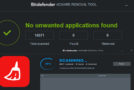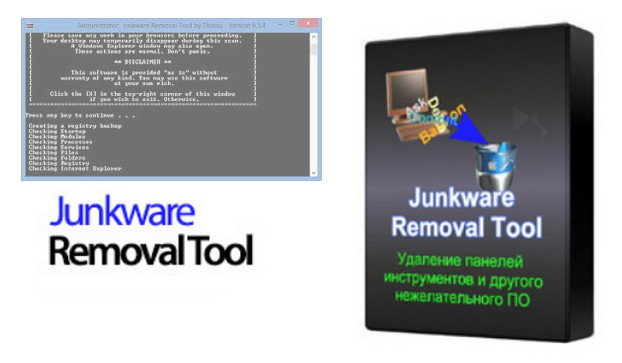
Did you forget to uncheck the option to install toolbars during a download? Don't panic, Junkware Removal Tool is here to help. It will help you remove all unwanted software such as Ask Toolbar, Babylon, Browser Manager, MyWebSearch, and any other PUP (potentially unwanted program) that secretly installs itself on your web browser.
Is your PC slow? Potentially unwanted programs (PUPs), adware, and other unwanted software (junkware) could be the cause of your problem. Malwarebytes' Junkware Removal Tool (JRT) cleans up and removes all unwanted software.
Features :
Remove advertising programs such as Conduit that create pop-up ads.
Uninstall unwanted browser toolbars and tools such as the Ask and Babylon toolbars
Remove potentially unwanted programs
Eliminates all traces left by potentially unwanted programs
Mode of action:
Removal of toolbars
Removal of browser tools (Google Chrome, Firefox, Internet Explorer)
Removal of potentially unwanted programs and advertising programs
Limited disk space usage
Portable application — no installation required
Configuration
– Windows: XP to 10 (X86 X64)
– Intel processor: Pentium 4
– 1 GB RAM
– Hard drive with 10 MB of free space
– DirectX 8 and higher compatibility
– Administrator Mode
Facility
Close your web browser(s) before launching the software
Run: JRT x86 x64.exe
- Language: English
- Size: 1.54 MB
This article was updated on July 21, 2016