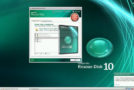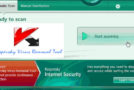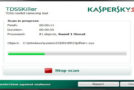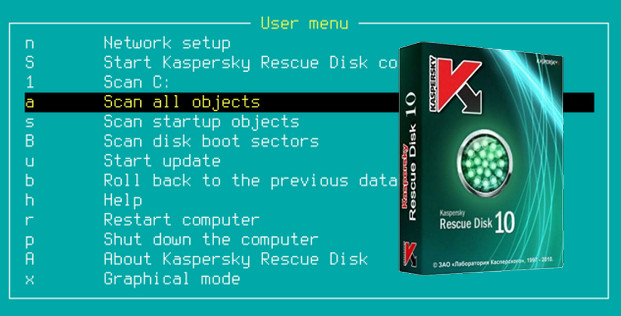
Get rid of even the most virulent viruses with this bootable Kaspersky Rescue Disk. Simply burn the ISO image to a CD and boot from it to run a deep scan of your system without loading Windows. Kaspersky Rescue Disk eradicates all detected threats, eliminating any risk of infecting other computers over the network.
Configuration
Windows XP/Vista/7/8/8.1/10
Processor 2.0
128MB RAM
50 MB HDD
Use
1. Connect a USB flash drive.
2. Open the folder "Kaspersky Rescue2Usb"
3. Launch the Rescue2USB .exe utility
4. Click on "Browse" then it will tell you to look for the iso you just downloaded, then once found click on "Start".
5. Boot from the USB drive and follow the steps.
Note The ISO file can also be burned onto a CD.
- Language: French / German / English / Russian
- Size: 274.72 MB
This article was updated on July 21, 2016