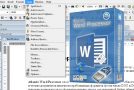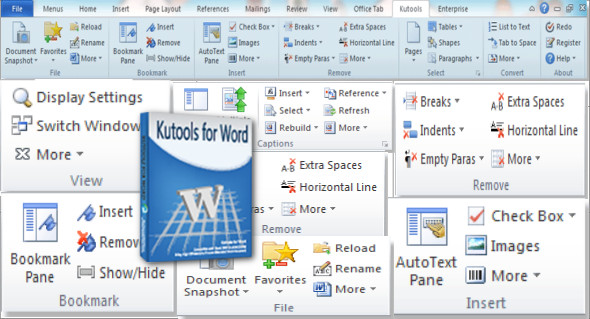
Kutools for Microsoft Word is a powerful add-on program for Word users. It contains toolkits to save you hours and effort. It helps you get your work done quickly in many tasks you perform daily in Word. Manage document content, copy a document file, paste the document file to your desired location, easily rename the document, manage page breaks, tables, and much more. You can also use Kutools for Excel.
Easily manage document content
The add-in was designed to help users manage their document content much more easily than before, thanks to features such as document snapshots, auto-text, and bookmark support. The program allows users to insert and delete bookmarks with just a few mouse clicks, while also providing easy access to the bookmarks panel for additional management options.
With this add-in, users can copy multiple documents simultaneously, as long as they are already open in Word. It also provides quick access to the document's location or the default save location.
Managing page breaks and tables
The application comes with a range of break management features, allowing users to easily remove unnecessary interruptions, whether page breaks or column breaks. Furthermore, it can be used to remove breaks from an entire document or just a specific section. Users can select all tables in the document with a single click and can also select only single-row, single-cell, or single-column tables. Additionally, the program can select only specific rows or columns within any table, providing enhanced management capabilities.
Take advantage of the text conversion features
The add-in can be used to perform a range of text conversion operations, allowing users to quickly transform tables in their documents into plain text. Furthermore, it includes support for one-click list-to-text conversion and file conversion between Doc and Docx, and Docx and PDF.
Version : 10
Language : English
Size : 39.78 MB
Configuration:
– Windows (x32/x64 Bits): XP, Vista, 7, 8, 8.1, 10, 11
– Office Word (x32/x64 Bits): 2007, 2010, 2013, 2016; 2019, 2021 and 365
Kutools for Microsoft Word 10
This article was updated on July 19, 2022