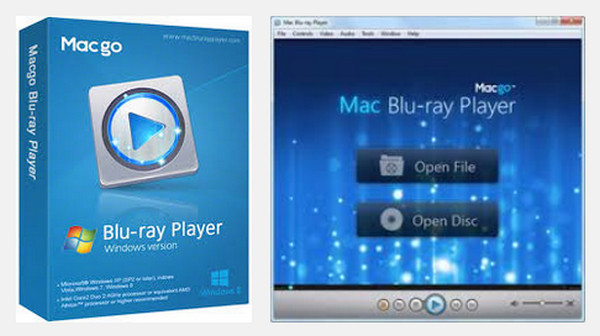
Macgo Windows Blu-ray Player is a Blu-ray player software for Windows.
It can read Blu-ray discs, Blu-ray ISO files, and Blu-ray folders (BDMV) in all Windows operating systems, even in Windows 8 and Windows 10.
In addition to Blu-ray and DVD media formats, other popular video media formats can be played by this player. (e.g., .mkv, .mp4 files, etc.)
Moreover, it can magically play Blu-rays on iPhone/iPad/iPad mini/iTouch
Configuration
Windows: XP to 10
Processor: Intel Core2 Duo 2.4GHz or AMD Athlon or superior recommended
Random Access Memory: 512 MB RAM or more
Hard Drive: 250 MB of free space
Facility
1) Run the file "Macgo_Bluray_Player_for_Windows_.exe" in the directory "Macgo_Windows_Blu-ray_Player_2.16.16.2394"
2) Once the installation is complete, uncheck the box: » launch Macgo Windows Blu-Ray player 2.16.16 and click on the “close” button at the bottom of the dialog box.
3) Go to the directory » Macgo_Windows_Blu-ray_Player_2.16.16.2394 « , and go to the directory: « cracked « .
4) Copy the file: »Mac Blu-ray Player.exe » and paste it into the installation directory: (default directory: C Program Files (x86)MacGoMac Blu-ray Player).
5) A message will tell you to replace it, click "yes".
- Language: Multilingual
- Size: 38.39 MB
This article was updated on November 11, 2016