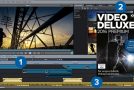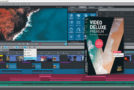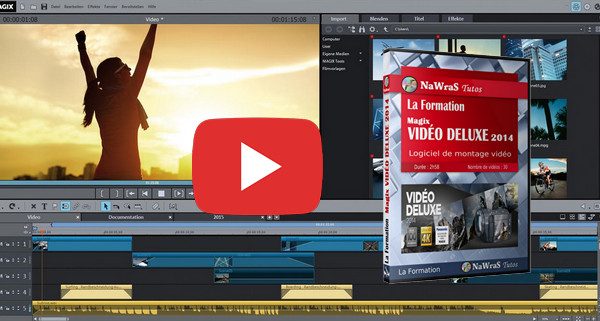
Magix Video Deluxe 2014 is a very complete video editing software with an interface divided into 3 modes: Edit, Burn and Export.
Thanks to this training you will learn how to easily create different films with your media (audio, video and photo).
You will then be able to use the editing timeline to position your videos or music tracks on the different tracks.
Finally, thanks to the many tools and features available, applying effects to your videos will no longer be a mystery to you, whether it's to apply a color filter or to blur a specific area of your video.
- Language: French
- Duration: 2 hours 58 minutes
Chapter 01 – Discovering the application
1- Discover the software
2- Save and open a project
3- Manage backup
4- Discover the media player
5- Discover the timeline
6- Import media
7- Customize the workspace
Chapter 2 – Mixing Audio Tracks
1- Import a piece of music
2- Adjust the intensity of audio effects
3- Managing audio fades
4- Integrating and managing an audio effect
5- Use audio cleaning
Chapter 3 – Creating and Editing Video Tracks
1- Managing your media
2- Split a video
3- Positioning your media
4- Reframe a media
5- Use time markers
6- Slow down or speed up a video clip
Chapter 4 – Applying Video Effects
1- Insert a transition
2- Insert a video effect
3- Insert and arrange text
4- Create a credits sequence
5- Improve video image
6- Superimposing an element onto a green screen
7- Blur part of the video
8- Create a shaking effect
Chapter 5 – Publishing and Distributing Videos
1- Manage recording settings
2- Export the movie
3- Perform a batch conversion
4- Create an interactive menu for DVDs
This article was updated on October 17, 2016