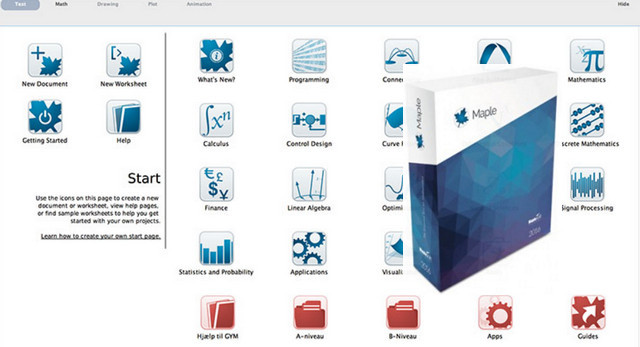
Maple is a computer algebra system: it allows you to solve equations, such as differential or integral equations, or systems of equations, to find limits, and to plot graphs. Developed since the 1980s, this software also has many equivalents (free – Maxima, Xcas, SageMath – or paid) that function similarly.
The result of over 30 years of cutting-edge research and development,
Maple helps you analyze, explore, visualize, and solve problems
Mathematics. With over 5,000 functions, Maple offers the breadth, depth, and performance to handle every type of mathematics. Maple's intuitive interface supports multiple interaction styles, from clickable Math Tools to a sophisticated programming language. Using Maple's intelligent document environment, you can automatically capture all your technical knowledge in an electronic format that combines calculations, explanatory text and mathematics, graphs, images, sounds, and diagrams.
Configuration:
Intel P4 or higher, AMD Athlon, or AMD Opteron
512 MB RAM
1 GB Free Disk Space
Platform: Windows XP, Vista, 7, 8, 10 — 64 bits
Activation:
– after installing Maple 2016 64-bit
maple.dll –> C:\Program files\Maple 2016\bin.X86_64_WINDOWS
– License
license.dat –> C:\Program Files\Maple 2016\license
- Language: French
- Size: 1.02 GB
This article was updated on July 21, 2016