The Standard Edition of Office 2013 is a commercial suite of the Microsoft Office 2013 software package containing Microsoft's standard software.
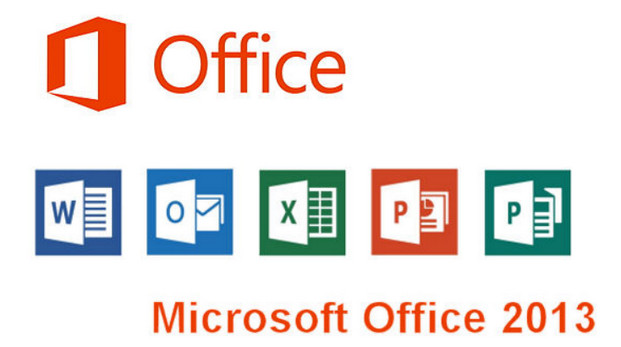
These software programs are Excel 2013, Word 2013, PowerPoint 2013, Outlook 2013, OneNote 2013 and Publisher 2013.
Each software has its own characteristic: Excel is for spreadsheets, Word is the text editor, PowerPoint is the presentation software, Outlook is specialized for email management, OneNote serves as note-taking software, and Publisher is for desktop publishing (DTP).
Microsoft Office 2013 Standard Edition also gives you the option of using Microsoft's cloud, the famous OneDrive (formerly SkyDrive)
This version is only available for businesses, hence the fact that it is directly in Volume version and can be easily activated.
Configuration:
– Windows versions: Windows 7 (x86 and x64), Windows 8 (x86 and x64), Windows 8.1 (x86 and x64)
– 1 GHz or higher x86 or x64 processor with SSE2 instruction set
– 1 GB of RAM (32-bit) and 2 GB of RAM (64-bit)
– Hard drive: At least 3 GB available
– .NET version: 3.5, 4.0 or 4.5
Facility :
1) Download the ISO that is compatible with your system (32-bit or 64-bit)
2) Mount or burn the ISO
3) Perform the standard installation
4) Activate Office. Use one of the following activation software:
Microsoft Toolkit Or KMSPico
For those with Windows 7, you obviously need to have Service Pack 1 installed. Here
- Language: French
- Size: 1.5 GB
This article was updated on December 29, 2021