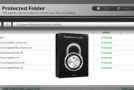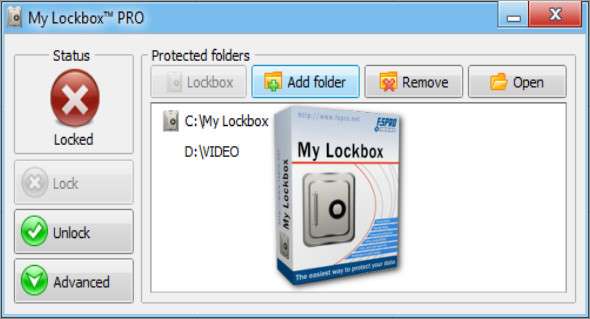
My Lockbox lets you hide, lock almost any folder on your computer, and password-protect it. You can use My Lockbox to hide your private data from prying eyes – your files will be inaccessible to both local and remote users.
Features and benefits:
– Extremely easy to use;
– Clear and practical user interface available in more than 10 different languages;
– Keyboard shortcut combinations for basic actions;
– Instant data protection with no limits on the size of the data protected;
– Password protection for locked data and program uninstallation;
– The free edition protects a folder with an unlimited number of subfolders.
– The professional edition protects an unlimited number of files;
– Supports all modern Windows operating systems (XP, Vista, 7, 8, 10), including 64-bit editions;
– Instant and secure online password recovery;
– Almost any folder on your computer can be password protected;
– Prevents you from locking critical system folders, e.g. C:\Windows;
– The trusted process function allows a backup, antivirus or similar software to back up or scan your protected folder;
– Protects files even in Windows safe mode;
– Renaming the top-level folder would not reveal the protected files;
Configuration:
– Windows (x32/x64 Bits): XP, Vista, 7, 8, 8.1, 10
– Processor: 1 GHz
– RAM: 1 GB
– Disk space: 10 MB
Language Multilingual (French included)
Size : 6.0 MB
This article was updated on January 22, 2018