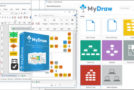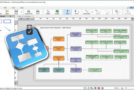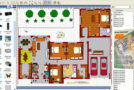
MyDraw includes powerful features to help you with your flowcharts, maps, network diagrams, floor plans, general business diagrams, and schematics. It includes libraries with hundreds of diagram shapes and symbols, templates, powerful drawing tools, automatic diagramming, advanced printing and exporting capabilities, and much more. MyDraw is the ideal solution for your personal or professional projects.
Familiar user interface
– Getting started with MyDraw is as easy as possible – Optimized to match the interface you already know and thus minimize the learning curve.
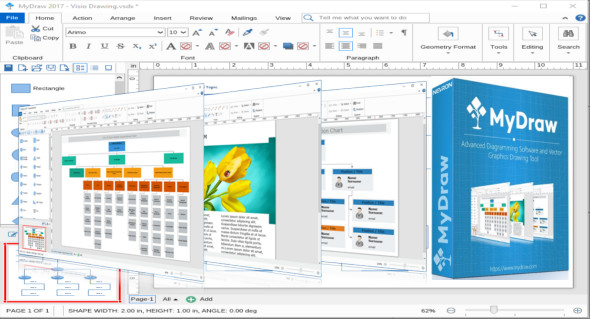
– The ribbon user interface that you recognize from MS Office Suite and have made it as simple as possible.
– If you like to organize your workspace according to your own preferences – MyDraw is perfect for you too! You can switch to command bars (MS Office 2003 style menus) in just two clicks and rearrange the commands as you see fit.
– MyDraw UI Themes – you can choose between several user interface themes to work in your preferred environment: Windows 8 or XP, Mac OS El Capitan and others.
Visio compatibility
– MyDraw is the best Microsoft Visio alternative for Windows.
You can use MyDraw to import your Visio drawing files (VSDX import) to easily convert your diagrams and use them in Apple macOS and Windows operating systems. With MyDraw, you can also export Visio drawings (VSDX export).
Configuration:
– Windows (x32/x64 Bits): XP, Vista, 7, 8, 8.1, 10
– Processor: 1 GHz
– RAM: 1 GB
– Disk space: 100 MB
Language Multilingual ( French not included )
Size : 45.4 MB
This article was updated on March 3, 2018