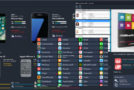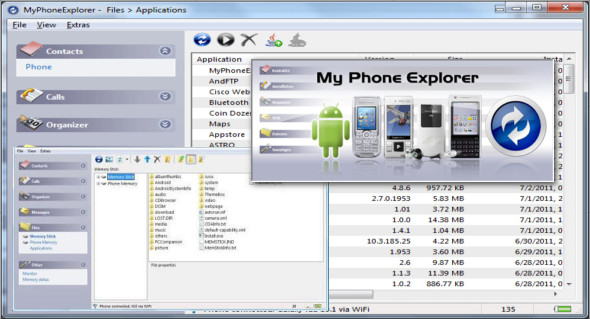
Connect your phone via cable, WiFi, Bluetooth or infrared and you will be surprised at how easy and efficient it is to manage your phone with the software.
Since its release, MyPhoneExplorer has become the most popular freeware tool for SE phones. The software is constantly updated with new features. Since version 1.8, MyPhoneExplorer also supports Android-based phones (connected via Wi-Fi, USB cable, or Bluetooth).
Features :
– Addressbook – with direct synchronization with Outlook, Gmail, Windows Contacts, Thunderbird, SeaMonkey, Lotus Notes and Tobit David
– Organizer with calendar and direct synchronization with Outlook, Google, Sunbird, Thunderbird, SeaMonkey, Windows Calendar (Vista), Rainlendar, Lotus Notes, Tobit David and shared online calendars (WebDAV, FTP, local)
– SMS —archive, export, import, excessive messages,…
– File browser with caching system to minimize data transfer, automatic photosync…
– And much more: call lists, editing profiles, phone control, memory status, phone monitor…
Note to Symbian-Phone users of SE (e.g. P1i, M600i, W950i, W960i, G700, G900): you must first install PC-Suite and the connection with MyPhoneExplorer is only possible via a USB cable.
What's new :
– File transfer now up to 5 times faster
– Import/Export for vCard V3
– Some adaptations for Android Oreo
– Numerous bug fixes
Configuration:
– Windows (x32/x64 Bits): XP, Vista, 7, 8, 8.1, 10
– Processor: 1 GHz
– RAM: 1 GB
Language Multilingual (French included)
Size : 8.7 MB
This article was updated on May 15, 2018