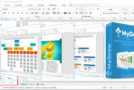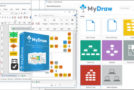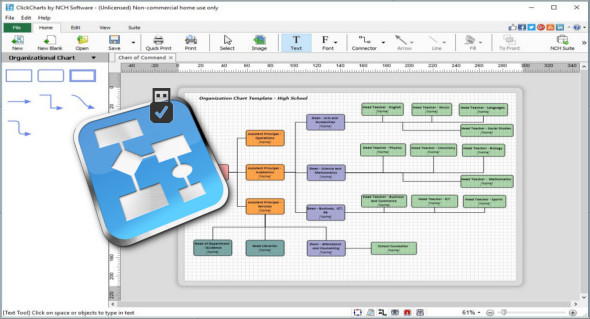
ClickCharts 4 Pro is a practical, intuitive and easy-to-use application that can help you create various charts, diagrams or maps and export them to various common formats such as PDF, PSD, PNG, JPEG or GIF.
Organizational charts offer a unique way to organize and display data, making even highly detailed and complex processes easier to understand. This makes organizational chart software an ideal troubleshooting method, as well as an effective way to share information.
When ClickCharts Pro starts, users can create a new document from one of the following templates: Data Flow Diagram, ER Diagram, Flowchart, Mind Map, and UML Class Diagram. As expected, selecting one of these templates creates a new, untitled document with sample forms, connectors, and text.
Each element can be customized in numerous ways, such as by changing the fill or color of the line and arrows (for connectors). Text can be entered and formatted by double-clicking it. Options include vertical and horizontal alignment, font, color, and size.
Features of the ClickCharts 4 Pro:
– Includes chart templates to help you get started
– Choose from a variety of symbols and line connector styles
– Create standard UML (Unified Modeling Language) visual diagrams
– Modify and customize colors, fills, and outlines
– Basic editing functions include copy, paste, undo, and more
– Seamless overlay of sheets for creating and printing large diagrams
– Open and edit multiple diagrams simultaneously
– Detailed control of artistic styles for filling and lining
– Export organizational charts in PSD, JPG, GIF, PNG or other image file formats to share or use in other applications
– ClickCharts 4 Pro Portable
Configuration :
– Windows (x32/x64 Bits): 7, 8, 8.1, 10
– Processor: 1 GHz
– RAM: 1 GB
Language : English
Size : 3.9 MB
This article was updated on January 10, 2019