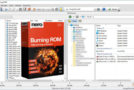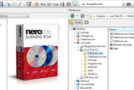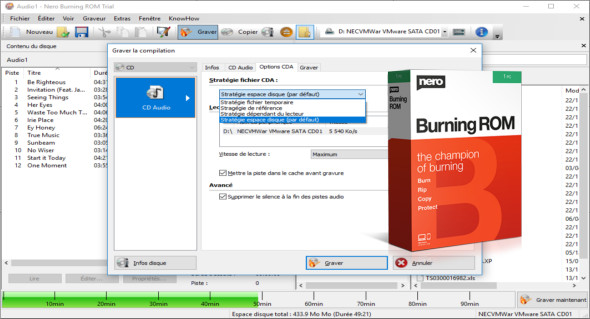
Nero Burning ROM is an application specifically designed for burning CDs, DVDs, and Blu-ray discs. Nero Burning features an interface with all the necessary functions and advanced tools, allowing you to easily create multiple discs.
The main features of Nero Burning ROM are automatically integrated into the Windows Explorer context menu, guaranteeing users instant access to Nero Burning ROM and allowing you to burn large files to multiple discs simultaneously. The program also boasts a fast speed and high success rate in burning operations, and disc information and rewritable management features are also included in the toolkit. You can also use Ashampoo Burning Studio.
Nero Burning ROM functionality
– Copy and import data and music and burn them to your preferred type of disc
– Supports the creation of audio CDs and DVDs
– Convert the audio files to the required format
– Supports burning CDs, DVDs, or Blu-ray Discs
– Create ISO images
– Copy high-quality CDs, DVDs, and Blu-ray discs
– File protection with SecurDisc 4.0 technology
– Create disks with maximum reliability and security
– Use SecurDisc 4.0 and much more to get the best results.
Version : 23.0.1.20 /Portable: 23.0.1.8
Language : Multilingual (French included)
Size : 222.34 MB / Laptop: 311.85 MB
Configuration:
– Windows (x32/x64 Bits): 7, 8, 8.1, 10
Nero Burning ROM 2021 v23.0.1.20
Nero Burning ROM Portable 2021 v23.0.1.8
This article was updated on February 21, 2021