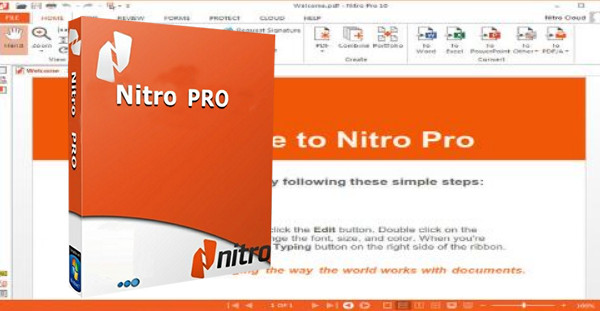
Nitro Pro is the complete PDF suite from the publisher Nitro Software, Inc., better known for its free Nitro PDF Reader.
Sold for around €140 (compared to €416 for Adobe Acrobat and €670 for its Pro version), the software nevertheless proves to be versatile and very easy to use:
* Create documents directly within the editor (without using third-party word processing software).
* Direct modification of documents.
* Conversion to and from PDF formats and major Microsoft Office documents (as well as emails in Outlook).
* Merging of PDF documents.
* Direct scanning, PDF/A archiving and optical character recognition (OCR).
* Support for annotations and comments.
* Management of PDF forms (AcroForms, XFA, static or scanned forms).
* Batch export.
* Support for electronic signatures as well as access authorizations (certificates and 256-bit AES encryption).
Configuration:
– Windows: VISTA/ 7 /Server 2008,2012R2/ 8.1/ 10 (32-bit and 64-bit)
– CPU: Intel Pentium 4 or better
– RAM: 512 MB mini 1.0 GB recommended
– 300MB Available on the HDD
– Netframework 2.00 or better
– Microsoft 2007 or better
Facility:
1 – Install the version corresponding to your system (32 or 64 bit)
2 – Launch NitroPDF 10
3 – In the activation settings, go to “Advanced” then “Manual…” and copy the displayed ID.
4 – Open keygen_np10.exe and paste the ID into the "Inst ID:-" field and click on "GEN"
5 – Back in Nitro, press next until you are asked for the key and certificate.
6 – Simply enter the keygen information
- Language: French
- Size: 182.8 MB
This article was updated on June 1, 2021