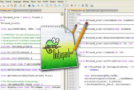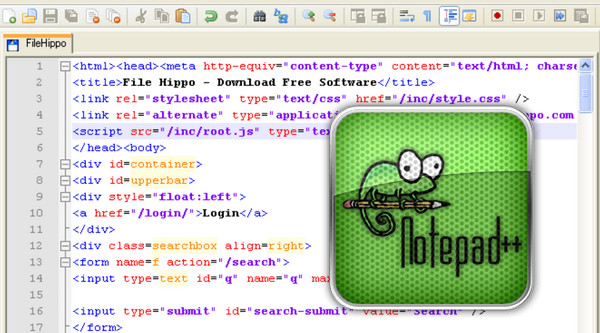
Notepad++ is a source code editor with syntax highlighting and formatting. This software also allows you to color-code user-defined words, enabling you to print your source code in color. Furthermore, Notepad++ has a multi-view function that allows users to edit different documents simultaneously and even edit the same document by synchronizing two different views. It fully supports drag and drop: you can drop a file to open it, and also drag and drop a document from one view to another. This software is as fast as the Notepad application included with Microsoft Windows.
Main features
Notepad++ includes PCRE, or Perl Compatible Regular Expressions. This feature allows you to easily search and replace syntax or code. A document map is also available for an overview. Tabs allow you to work on multiple documents simultaneously, making it easier to switch between them. For optimal print quality, WYSIWYG editing is used, ensuring the printed version is an exact copy of what you see on the screen. A macro recording and playback function is also included.
Benefits :
– Syntax Coloring and Syntax Relief (Syntax Folding)
– User-Defined Language
– PCRE (Perl Compatible Regular Expression) for searching and replacing
– Document Map
– Auto-completion
– Multi-document (Tabs)
– Multi-view
– WYSIWYG (What You See Is What You Get – for printing)
– Zoom in and zoom out
– Multilingual
– Bookmark
– Macro recording and playback
The best part? Tired of having unreadable *.nfo or *.txt files? Try Notepad++
Configuration:
– Windows XP to 10
– Intel Pentium 4 1GHz processor
– 512 MB RAM
– Hard drive with 20 MB of free space
Facility:
For a computer with Intel x86 x64
– Run: notepad++ x86 x64.exe
- Language: Multilingual (more than 80 languages!)
- Size: 4.0 MB
This article was updated on September 10, 2016