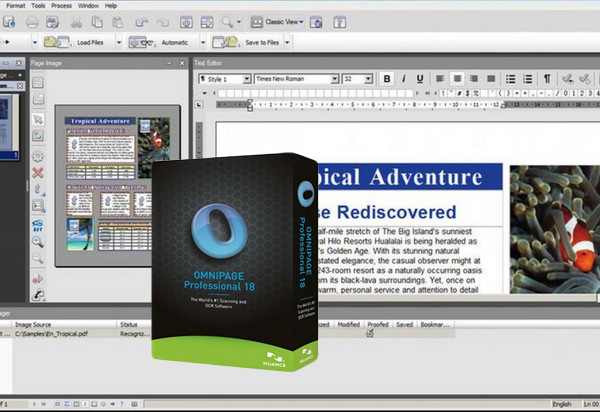
Thanks to its exceptional recognition accuracy, OmniPage® Professional 18 is the simplest and fastest solution for converting any paper document, PDF file, and form into a document that can be edited on a PC or stored in a centralized repository.
Based on advanced workflow processing technology, unparalleled recognition accuracy and formatting preservation, OmniPage automates all your conversion jobs.
Whether you want to transform paper documents into editable files, create batches of PDF files, or collect data entered into electronic forms, OmniPage is always up to the task!
Thanks to its speed and unique features, OmniPage is the ideal solution for businesses of all sizes.
What's New in OmniPage Professional 18
Improved layout preservation accuracy of 67 %
34% improved accuracy in converting characters from halftone scanned images (%)
Improved Japanese character recognition accuracy of 20 %
Multi-page document processing speed increased by an average of 27 %
PDF-MRC file compression with enhanced searches of 62 %, without loss of precision
Configuration:
– Windows (32-64-bit): 7 / Vista with Service Pack 2 / Windows XP SP3
– Intel® Pentium® processor clocked at 1 GHz
– 512 MB of memory, 1 GB recommended
– 850 MB of available disk space
– Internet connection required for activation
Facility:
1 – Unzip the WinRAR archive
2 – In the folder “Nuance Omnipage Pro v18.0 multilingual”,
– Launch “AutoRun.exe” as administrator to install Omnipage, PDFcreate7 and NuanceCloudConnector and choose the language (EN by default, FR and DE)
3 – Enter a serial number from the file “keys.txt”
4 – At the end of the installation, check “remind me in 7 days” to register the product
- Languages: French / English / German
- Size: 623.4 MB
This article was updated on September 8, 2016