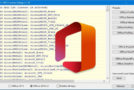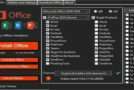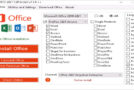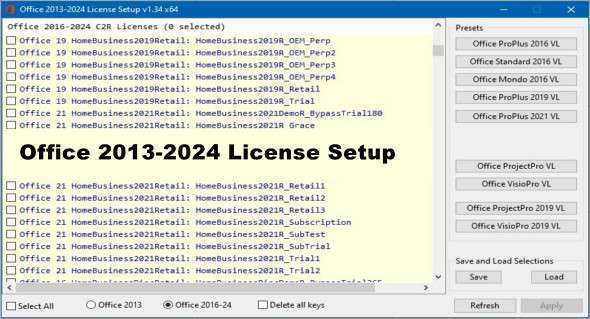
"Office 2013-2024 License Setup" refers to the license configuration for Microsoft Office software from the 2013 edition to the 2024 edition. The program removes all Office licenses and sets the ones you have selected in the table.
A license agreement typically refers to the terms and conditions under which a user or organization can legally use the software. This might include details such as:
Managing Office licenses: Remove and install licenses as you wish.
Number of installations: The number of devices on which the license allows the software to be installed.
User restrictions: Whether the license is intended for individual use or for use within an organization.
Duration : Whether the license is perpetual (permanent) or subscription-based (valid for a limited period, usually renewable).
Updates and support: If the license includes updates to new versions of the software and technical support services.
Usage rights: Any limitation on how the software can be used, such as for commercial purposes only, or restrictions on modifying the software.
The "Office 2013-2024 License Setup" will detail these aspects specific to Microsoft Office versions released between 2013 and 2024. It is important that users and organizations understand and comply with the terms of the license setup to ensure legal use of the software. You can also download Office 2013-2021 License Setup.
Version : 1.37
Language : English
Size : 6.77 MB
Configuration:
– Windows (x32/x64 Bits): 7, 8, 8.1, 10, 11
Download Office 2013-2024 License Setup v1.37
This article was updated on May 8, 2025