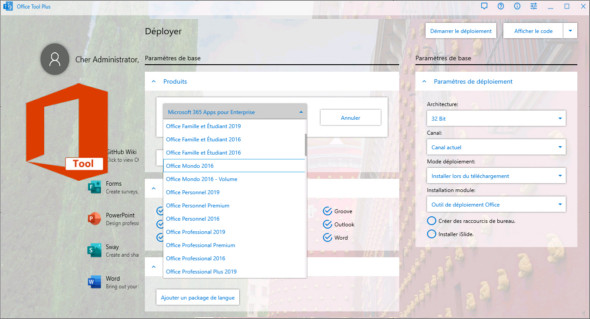
With Office Tool Plus, you can easily customize your Office installation, specifying what to install and which products to update. Furthermore, Office Tool Plus also allows you to download the files required for an offline Office installation via Thunder, saving significant time during offline installation, and to customize the XML files necessary for batch deployment. You can also download MS Office Professional Plus 2016-2019
Office Tool Plus Features
1. Configure the Office installation and customize the installed C2R products, such as adding and removing components, language packs, etc.
2. Download the Office installation package or language pack, which can be downloaded using the official Thunder, Aria, or Microsoft programs.
3. Configure your current Office, change the update channel, remove the product language or remove the product, or use the built-in scripts or tools to clean up the Office.
4. Activate Office. Easily configure the product key and set up your KMS server address or convert the Office version. (Note: The tool does not have built-in KMS activation; it simply offers the option to configure a KMS server.)
Version : 10.8.5
Language : Multilingual (French included)
Size : 72.22 MB
Configuration:
– Windows (x32/x64 Bits): 7, 8, 8.1, 10, 11
Office Tool Plus 10.8.5 Portable
This article was updated on February 27, 2024