The best way to improve your device's signal
OpenSignal – 3G/4G/WiFi is a very simple tool that, behind all its configuration screens, hides a very simple objective: to improve the signal of your Android device. How much can you achieve this? Very easy.
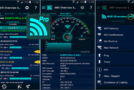
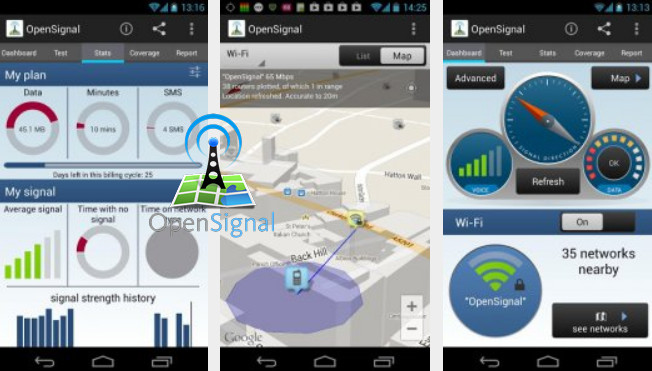
OpenSignal – 3G/4G/WiFi will display a signal graph. You will be able to see all mobile phone antennas and Wi-Fi routers on a map. In addition, you will have different maps of network coverage around you for 2G, 3G, and 4G (LTE).
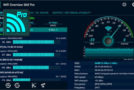
Aside from that, OpenSignal – 3G/4G/WiFi will let you perform a speed test on your Android device. This way, you'll be able to quickly check your download and upload speeds on your data network.
You can easily save all this data to a document, an SD card, or the device's memory.
OpenSignal – 3G/4G/WiFi is a very simple and easy-to-use tool that will help you get a lot of useful information about your network data.
THE CONCISION
– Signal direction
– Signal graph
– Map and radar view of cell towers and Wi-Fi routers
– Detailed cellular signal strength
– Save the data to the SD card
– Widget
– WiFi access point maps
– Cover cards
– Saves the Wi-Fi access points and maps of their locations by running a speed test
– Signal reading history with maps
- Version : Complete
– Compatibility: Android varies depending on the device
- Language : Multilingual
- Size : 4.4 MB
This article was updated on December 24, 2016