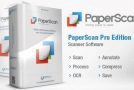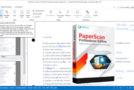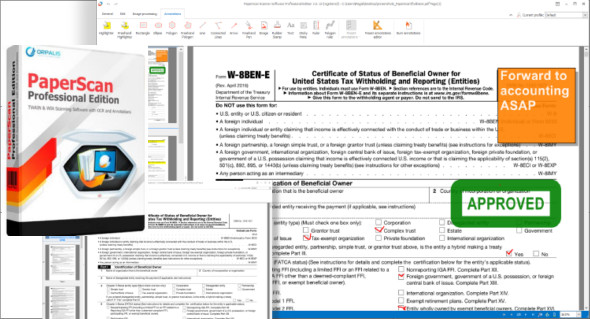
PaperScan Professional Edition is a comprehensive tool for managing your business documents: analyze, process, perform ORC operations, annotate, compress, and save your images and PDFs in various formats. PaperScan is a powerful TWAIN & WIA scanning application centered on one idea: making document acquisition a simple and unparalleled task for everyone.
Use PaperScan to import any image/PDF file, arrange it to fit a page, perform a wide range of photo edits, annotate it with sticky notes, rubber stamps, colored pencils, or arrows, and save your work. It supports various file formats, including JPEG, TIFF, PDF, and JBIG2.
Features of the professional edition:
– Scanning/importing unlimited TWAIN and WIA batches.
– Save as a single page in PDF/A, TIFF, JPEG, JPEG 2000, PNG, JBIG2, WEBP.
– Save as multiple pages
– Save in multi-page TIFF format
– Save in PDF-OCR format
– Save as PDF-OCR
– Image processing during batch acquisition: automatic straightening, angle rotation, border removal, perforation hole removal, negatives.
– Automatic removal of white spaces
– Support for scanning with separation sheets.
– Post-image processing: color adjustment, color space conversion, effects, filters, cropping and more…
– Automatic color detection.
– Support for PDF encryption (read and write).
– Flat bed and document charger
– Support for trays and document feeder.
– Supports double-sided scanning.
– Support for PDF/A compliance levels and versions, as an output format
– Annotation support
Configuration:
– Windows (x32/x64 Bits): XP, Vista, 7, 8, 8.1, 10
– Processor: 1 GHz
– RAM: 1 GB
Language : Multilingual (French included)
Size : 70.8 MB
This article was updated on October 29, 2018