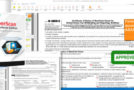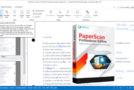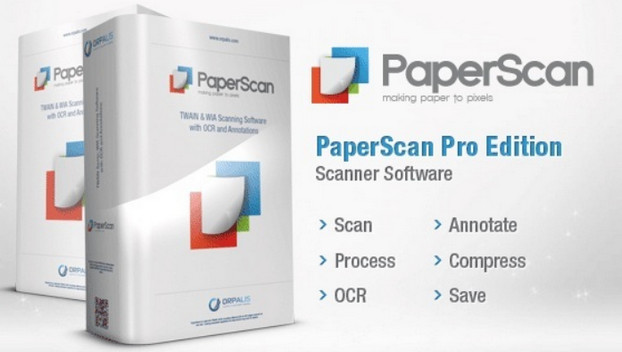
PaperScan allows you to control any scanner, whether it operates independently or on a network (using TWAIN and WIA protocols). Naturally, it's also compatible with cameras, camcorders, and capture cards. PaperScan supports all printable files, making it even more convenient. Furthermore, scanning can be done through a glass panel or a document feeder.
PaperScan's functions aren't limited to simply scanning documents. Once scanned, files can be edited. Users can utilize tools such as automatic straightening, border removal, hole punch removal, negative printing, rotation, color adjustment, color mode changes, filters, and effects. It's also possible to crop the selected area and resize the file. The software can display information about the image size, resolution, and color mode if needed. Scanned or imported documents can be saved as a multi-page file or page by page.
System requirements
– Windows XP/Vista/7/8/10
– Processor: P4 2GHz
– RAM: 1 GB
Facility
1. Install the software and copy "PaperScan.exe" to the installation directory.
2. Enter any key when prompted.
- Language: French / English
- Size: 53.06 MB
This article was updated on July 21, 2016