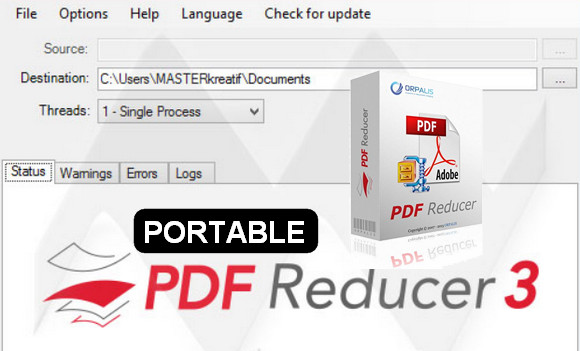
Super fast and powerful PDF compression software for the general public and developers.
Minimize the size of your images and PDF files for storage, sharing, to enable faster web display or simply save time when sending them over the internet.
Lossless data recompression:
Innovative and sophisticated techniques that restructure existing content and apply the most efficient compression scheme depending on the type of data.
The documents are printable and zoomable without loss of quality.
PDF Reducer is capable of serializing multiple image compression algorithms to overcome the limitations of some compression systems.
Remove unwanted or unused items:
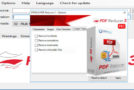
You have received PDF files containing additional unwanted objects: let PDF Reducer remove them for you.
Automatic color detection and layout analysis:
Usually, scanning papers with a scanner in color mode results in the mixing of color and black & white documents without distinction.
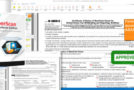
PDF Reducer automatically identifies black and white files and encodes them as simple black and white, thus significantly reducing the file size.
Resampling and recomposition of images:
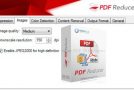
Reducing high resolution when not necessary to significantly reduce file size without affecting the viewing experience.
Content segmentation and optimal compression:
The program segments the embedded images, separates the text and finds identical bitmap sections in order to optimize recompression.
Fast Web Display Management (Linearization):
Allows your large PDF files to be visible to internet users even before the PDF file download is complete.
Input file formats:
With PDF Reducer 3, you can reduce the size of a wide variety of images and documents. Nearly 100 input file formats are now available in addition to PDF, including image formats such as TIFF, JPEG, PNG, JPEG 2000, and Camera RAW.
Multi-threading support:
Performs PDF processing via multiple simultaneous tasks, reducing processing time by using processor resources as efficiently as possible.
Command-line management:
Automates PDF processing by command to avoid repetitive actions on the graphical interface.
Management via "Drag'n drop" (move/drop):
Do it quickly without using Windows Explorer.
New products
– Improved compression ratio.
– Improved speed.
Configuration:
– Windows (32-bit & 64-bit): 7, 8, 8.1, 10
– 500 MHz processor
– 512 MB of available RAM
– 70 MB of free hard drive space
Facility :
This is a really practical version since it requires no installation procedure.
Indeed, it is a portable software that you can put on an HDD or removable storage device such as a USB flash drive and run.
Simply copy the folder " PDF_Reducer_Portable » on a storage device and launch the file « pdfReducer.exe" .
- Language : Multilingual (French included)
- Size : 66 MB
This article was updated on November 6, 2016