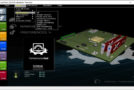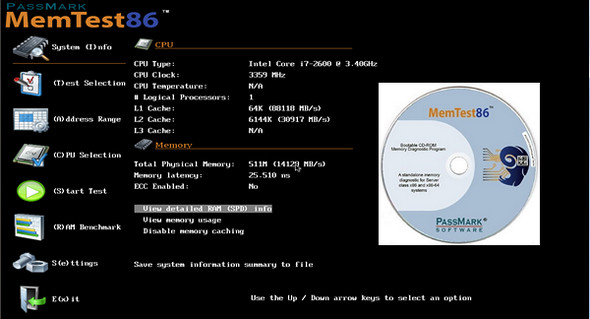
Memtest86 allows you to diagnose a PC's memory by applying a series of low-level tests. Indeed, the memory tests performed by the BIOS at computer startup are only a quick scan. It's possible that a memory module might be recognized by the BIOS but, for example, prevent the operating system from installing because it is faulty.
The program launches from a bootable drive (CD, USB) which must be created by running the downloaded file. The complete test takes a little over five minutes but runs indefinitely.
Main features of PassMark MemTest86:
– Analyses Memtest86+ performs various analyses to evaluate the health of the computer's RAM. It not only performs read and write tests, but also examines RAM performance when moving information between different cells.
– Test at boot: Memtest86+ performs tests before the system starts, i.e., during boot. This provides more accurate diagnostics because RAM is not yet overloaded by system processes.
– Multiplatform: Since the software runs when the computer boots, its use is independent of the operating system. It can perform tests on machines running Mac, Windows, or Linux.
– System information display: This software is capable of providing various information about the system. The user will be able to discover the type and frequency of their processor, as well as the amount of memory available.
Version : 11.4 Build 1000 Pro
Language : English
Size : 6.62 MB
Download Memtest86 Pro v11.4 Build 1000 ISO
This article was last updated on July 31, 2025