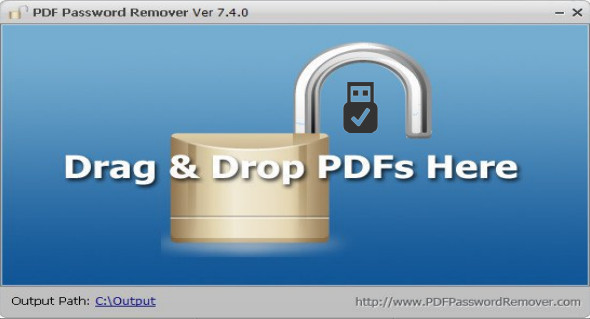
The PDF Password Remover tool allows users to remove protected PDFs on Windows so they can convert, print, and edit protected PDF files. The tool is very simple: just drag and drop your protected PDF files into the PDF Password Remover window, and it will start immediately. You can also use Wondershare PDF Password Remover.
With this application, you can remove passwords using two methods: directly removing owner password protection and removing user password protection (user password required). PDF Password Remover provides a portable version for Windows. You can copy and use the program on any computer without installing it.
Copy the PDF content
After removing the PDF password, you copy the contents of the decrypted PDF file and use the text wherever you want.
Convert the PDF document to another format
The restricted PDF document cannot be converted. Once the PDF Password Remover process is complete, the PDF file can be converted and exported to MS Word, Excel, Image, and other formats editable by other PDF converters.
Print PDF
Before removing the password from the protected PDF file, users are not allowed to print it. Once the password and restrictions are removed, the PDF file can be printed just like a normal document.
Version : 7.6.0
Language : English
Size : 11.08 MB
Configuration:
– Windows (x32/x64 Bits): 7, 8, 8.1, 10
PDF Password Remover 7.6.0 + Portable
This article was updated on April 23, 2022