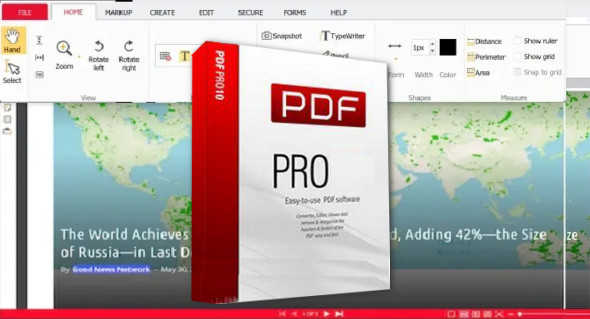
The PDF format is now an essential standard for managing digital documents. Whether for professional, academic, or personal use, the need to edit, convert, or secure a PDF file is frequent. PDF Pro is a complete and intuitive software that offers a multitude of features to work efficiently with PDF files, without requiring additional software.
Whether you need to edit text, add annotations, convert files to other formats or protect your documents, PDF Pro offers powerful tools for optimal management of your PDFs.
Key Features of PDF Pro
1. Easy Editing of PDF Documents
With PDF ProEasily edit the text and images in your PDF documents without needing to convert them first. Add, delete, or modify content in just a few clicks using a user-friendly interface.
2. Converting PDFs to Different Formats
Need a Word, Excel, or PowerPoint file from a PDF? PDF Pro lets you convert your documents to multiple formats while preserving their original layout. You can also convert Office documents, images, or HTML files to PDF.
3. Merging, Dividing, and Organizing Pages
Reorganize your PDF files according to your needs: merge several documents into one, split a file into several parts, or rearrange the pages for better structuring of your content.
4. Adding Annotations and Electronic Signatures
Collaborate more effectively by annotating your documents with custom comments, highlights, and stamps. With PDF Pro, electronically sign your files for fast and secure validation.
5. PDF Protection and Security
Protect your documents by adding passwords, access restrictions, and specific permissions. PDF Pro also lets you apply watermarks to secure your files against unauthorized copying or editing.
6. OCR (Optical Character Recognition)
Transform your scanned documents and images into editable PDFs using advanced OCR technology. This feature allows you to extract text from images and scanned files for easier editing and searching.
Why Choose PDF Pro?
- Intuitive and user-friendly interface : Accessible to beginners and professionals.
- Powerful and efficient tools Editing, conversion and advanced management of PDF files.
- Compatible with all systems Works on Windows and via an online version.
- No complex installation : Smooth and fast operation.
- Workflow optimization One software for all your PDF tasks.
An indispensable tool for professionals and individuals.
Whether you are a student, an entrepreneur, a teacher, or an administrative manager, PDF Pro It saves you time and improves your productivity. Its ease of use combined with advanced features makes it an essential tool for managing your PDF files efficiently.
With PDF Pro, you benefit from an all-in-one solution that covers all your PDF document management needs, without having to juggle multiple software programs.
Conclusion
PDF Pro is the ideal tool for working with PDF files professionally and easily. With its editing, conversion, annotation, and security features, it meets all your digital document management needs. Try PDF Pro now and transform the way you handle PDF files! You can also download Nitro Pro.
Version : 10.13.0.4712 Pro
Language : Multilingual (French included)
Size : 425.79 MB
Configuration:
– Windows (x32/x64 Bits): 7, 8, 8.1, 10, 11
Download PDF Pro Software PDF Pro v10.13.0.4712
This article was updated on February 1, 2025