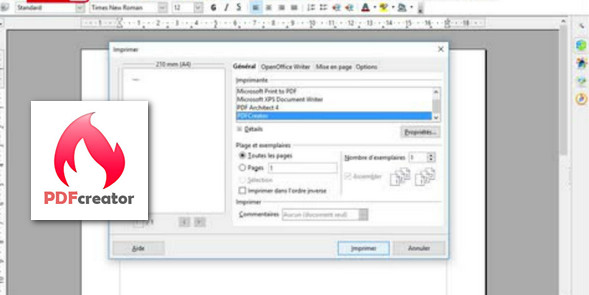
PDFCreator is easy to use; it installs like a printer and allows you to create files in the most common formats, including PDF. It works with any Windows application that supports printing.
PDFCreator allows you to digitally sign your PDFs to prove your authorship and ensure the document hasn't been altered. Finally, it's possible to encrypt files to prevent them from being viewed or printed.
Its features:
While most alternatives only offer PDF conversion, PDFCreator includes several settings such as image compression and profile creation for quick and easy configuration. It also allows you to choose the conversion format from among PDF, PNG, JPEG, and TIF extensions.
Furthermore, the user can encrypt PDF documents or add a password to open them. The software also supports adding digital signatures and automated actions after conversion, such as opening the document in PDF Architect (a tool from the same developer), printing it, or sending it via email or FTP server.
The software allows you to protect your documents in just a few clicks. The program can be used with Word and Excel files, as well as many other formats.
Configuration:
– Windows (x32/x64 Bits): XP, Vista, 7, 8, 8.1, 10
– Processor: Intel 3GHz
– RAM: 512 MB
– Disk space: 100 MB
Facility :
* Note : PDFCreator offers the option to install the navigation bar and the Amazon search engine. Please uncheck the corresponding boxes if you do not wish to install these modules.
- Execute : PDFCreator-2_4_1-Setup.exe
- Language : French / English
- Size : 27.1 MB
This article was updated on December 3, 2016