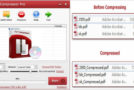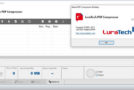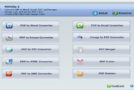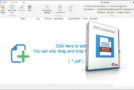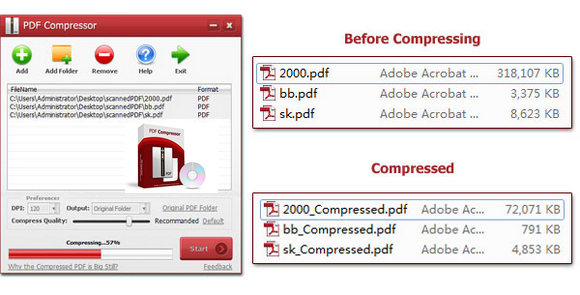
PDF Compressor is a Windows utility that compresses scanned PDF files and reduces PDF file size from 30MB to just 8MB (Compression ratio: 23%) quickly and easily.
This tool allows users to change the compression value while achieving a better compression result while maintaining quality content.
In addition, the program supports batch processing mode and allows users to compress hundreds of PDF documents at once.
PDF Compressor can save compressed PDF documents in their original PDF format without overwriting the original PDF files. However, if desired, it can also output compressed files to a specified folder.
Configuration:
– Windows (x32/x64 Bits): XP, Vista, 7, 8, 8.1, 10
– Processor: Pentium 1 GHz
– RAM: 512 MB
– Disk space: 25 MB
Facility :
(Important: This is a positive false positive) and not malware.
1. Install the application
2. Launch the application
3. Click on Upgrade (bottom right)
4. Insert the following serial number: A6OT9DRLO7W7928
5. Software activated in Pro version
- Language : English
- Size : 9.7 MB
This article was updated on October 26, 2016