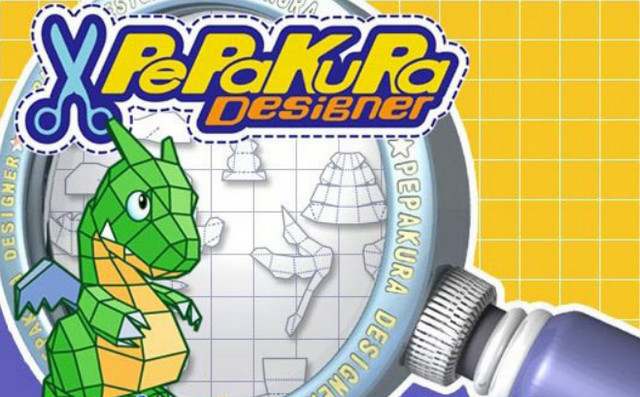
Pepakura Designer is a 3D creation software that allows you to automatically generate the pattern of a figure from its 2D model. In this way, you can recreate this figure by hand and in paper without encountering the difficulties associated with creating the pattern and assembling it.
Sometimes, a complex shape prevents Pepakura Designer from creating an exact pattern. In this case, a manual function and advanced options allow you to correct bugs by, for example, editing new gluing tabs, changing the layout of certain parts of the pattern, or even removing elements that hinder the final assembly.
Pepakura Designer supports the extensions .mqo, .obj, .dxf, .lwo, .3ds, .stl, .kml, .kmz, .dae.
Configuration:
Platform: Windows (Windows 7/Vista/XP/8/10)
CPU: Intel and compatible CPU
Pentium 200MHz or higher, 350MHz recommended
Memory: 64MB 128MB recommended
HDD: 150MB or more free space
Video Output: Resolution 800×600 pixels, 65,536 color or greater
Facility:
– Uninstall your old versions and disconnect from the internet!
– Run: 1-setup_pepakura_designer_312_en.exe
– Decline the update via the internet
– Launch the application and enter a serial number via the Help->enter a Keycode menu…
– you will find a valid serial number in the file 2-setup_pepakura_designer_312_en_Serial.txt
– close the application and restart it
– Decline the update via the internet
– Close the application and run 3-setup_pepakura400_en.exe to perform the upgrade
– Launch the application and enter a serial number via the Help->enter a Keycode menu…
– you will find a valid serial number in the file 2-setup_pepakura_designer_312_en_Serial.txt (it's the same as for version 3.12 since you are updating it)
– close the application and restart it
– Decline the update via the internet
Other serials, just in case…
0830-5704-9802
0835-2705-3880
0832-6706-0544
0839-3702-7520
0833-4540-8650
- Language: English
- Size: 20.76 MB
This article was updated on July 21, 2016