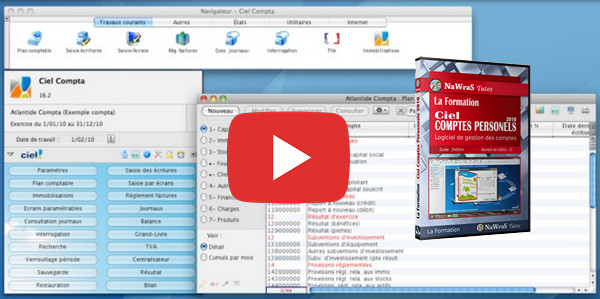
This series of video training courses will provide you with everything you need to know about managing your accounts.
You will see all possible actions, from the most mundane, such as adding a new expense to your account, to managing your stocks and bank loans.
You will also discover the essential accessories of any accounting management software such as the calendar or the calculator!
- Language: French
- Duration: 2 hours 5 minutes
Videos
01- Create a new folder
02- Understanding the interface
03- Enter an expense
04- Enter the recipes
05- Create new transfers
06- Comparison of expenses and revenues
07- Loans
08- Manage the securities
09- Analyze the balance
10- Record your states
11- Print available reports
12- Generate a custom report
13- The research
14- Organize your schedule
15- The calculator
16- Manage the different accounts
17- Manage payment methods
18- Manage categories
19- Typical expenses
20- Import a bank statement
21- Having a bank account number (RIB)
22- Generate a check deposit
23- Back up your information
24- Protect access to your accounts
25- Customize the interface
This article was updated on October 19, 2016