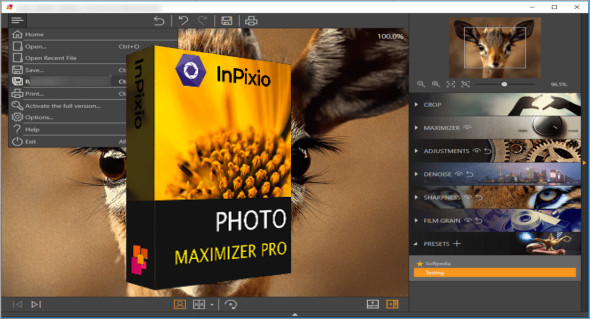
InPixio Photo Maximizer is a versatile application for editing photos and creating high-resolution images from your digital camera. InPixio Photo Maximizer allows users to resize or crop a photo without losing the original quality. You can also download Light Image Resizer.
InPixio Photo Maximizer allows users to zoom in and edit a specific area of a photo without losing quality or sharpness. Users can easily enhance their photos with high quality and clarity. It provides users with before-and-after photo editing results to compare changes and ultimately export the best version desired by the user. It supports batch processing to edit hundreds of images simultaneously, saving users time and effort.
Features of InPixio Photo Maximizer Pro
– High-precision zoom without loss of quality
– Enlarge the photo up to 1000%
– Ultra-powerful zoom – 7 algorithms
– Define presets and process in batches
– Print oversized images and posters
– One-click touch-ups and improvements
– Enlarge your photos and improve their quality
– Tone Curve module for adjusting RGB
– Before/After Image Comparison
– Create and save your own settings (presets)
Version : Pro 5.3.8623
Language : Multilingual (French included)
Size : 302.42 MB / Laptop: 410.90 MB
Configuration:
– Windows (x32/x64 Bits): 7, 8, 8.1, 10, 11
Photo Maximizer Pro v5.3.8623 Pre-activated
Photo Maximizer Pro Portable v5.3.8623
This article was updated on November 20, 2024