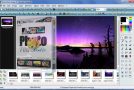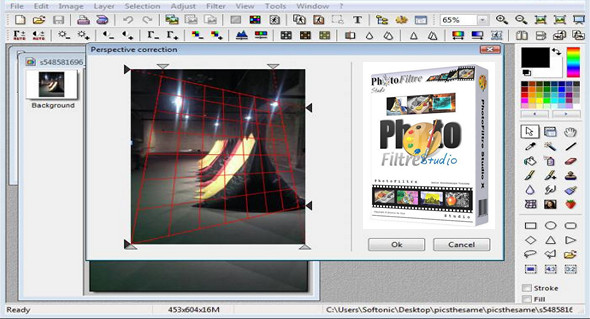
PhotoFiltre Studio X includes tools that allow you to apply graphic filters to images.
In PhotoFiltre, you can adjust brightness, contrast, saturation, gamma correction, and use filters (watercolor, pastel, ink, etc.). This editor can work with decorative text to enhance calendars, create greeting cards, and more. Furthermore, users have access to over a hundred image processing filters, such as watercolor, pastels, and the puzzle-break effect.
The filters and tools found in PhotoFiltre are still available in this Studio version. It's quick to learn, as the toolbar provides one-click access to filters. PhotoFiltre Studio can record layer usage, advanced selection, and save to a separate file for later use.
Features:
– Apply different filters
– The use of two types of vector selection
– Creating and using layers
– Image cleaning
– Tools for automatically applying a transparent gradient
– The red-eye removal function
– Create animated GIF images with the built-in generator
– Integrated FotoMaski module
– Create and export 32×32, 48×48, and 64×64 icons
– Integrated browser for viewing images
Version : 10.14.1
Language : Multilingual (French included)
Size : 22.65 MB
Configuration:
– Windows (x32/x64 Bits): XP, Vista, 7, 8, 8.1, 10
PhotoFiltre Studio X 10.14.1 + Portable
This article was updated on June 27, 2020