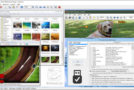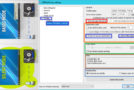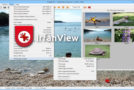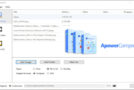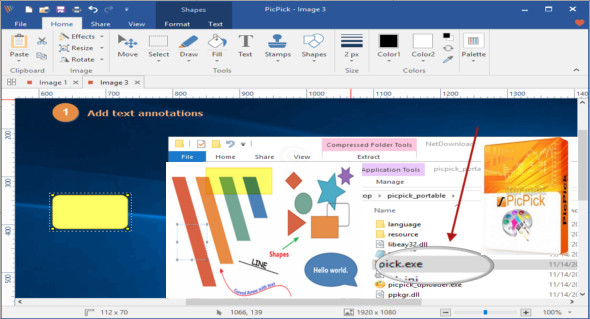
PicPick is an all-in-one program that provides a complete screen capture tool, an intuitive image editor, a color picker, a color palette, a pixel ruler, a protractor, a crosshair, and a spreadsheet. You can use all these tools as you wish.
The program is lightweight and fast, remaining silent in the system tray until needed. All functions are fully supported in a dual-monitor environment, and you can use the program without installing it thanks to its portable version.
Features :
- Screenshot
– No registry, no access to the system folder (you can copy these files to a USB laptop)
– Automatic scrolling, dual monitors, and sound effects are supported
– Various outputs to a file, a printer, Office programs, an external program
– Sharing via FTP, Web, email, Facebook and Twitter are also supported.
– Window control
– Repeat the last capture
– image editor
– Intuitive user interface
– Windows 7 ribbon style
– Standard drawing, shapes, arrows, lines, text, etc.
– Blur, sharpness, tint, contrast, brightness, pixelation, rotation, flipping, frame effect, etc.
– Color selector and color palette
– various types of color codes (RGB, HTML, C++, Delphi)
– Photoshop-style RGB/HSV conversion is supported.
– Choose and save your favorite color!
– Screen pixel rule
– horizontal and vertical orientation
– various units (pixels, inches, centimeters)
– DPI setting (72, 96, 120, 300)
– skins with color gradients
– Screen magnifier
– 2x to 10x zoom option
– Stay on top, with a smooth display and a large window
– Portable version
Configuration :
– Windows (x32/x64 Bits): XP, Vista, 7, 8, 8.1, 10
– Processor: 1 GHz
– RAM: 1 GB
Language : Multilingual (French included)
Size : 35.5 MB
This article was updated on April 6, 2019