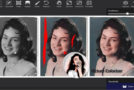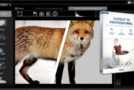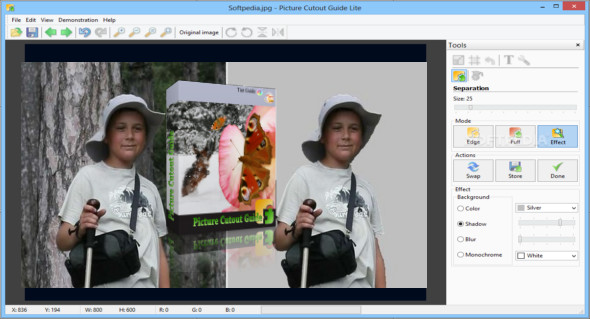
Picture Cutout Guide is a graphics editor that helps you separate objects from the background of the original image to create a new composite image. It is easy to use and includes a help guide for using the tool.
Picture Cutout Guide lets you separate an object from its background and fill the background with a user-defined color, swap the object and its background, completely erase the outer edge, and save the separated object to paste into another image. The program also includes numerous special effects to help you apply shadows to reduce background brightness, among other features.
Picture Cutout Guide software gives you the ability to paste another image into the current image, apply a correction from one area of the image to another, undo or redo actions, print or save the modified image to a file, zoom in or out, and display the image at the best size it can see.
Picture Cutout Guide Features
– Cut the image
– Separate the objects from the background of the image
– Help guide included to get the most out of this tool
– Fill the background with the color specified by the user.
– Change the object and its background
– It works with the following file formats: JPG, TIF, PNG, BMP, TPI, DBI and RLE
Version : 3.2.11 /Portable: 3.2.10
Language : Multilingual (French included)
Size : 9.18 MB
Configuration:
– Windows (x32/x64 Bits): XP, Vista, 7, 8, 8.1, 10
Picture Cutout Guide 3.2.11 + Portable
This article was updated on August 10, 2020