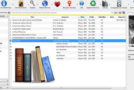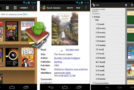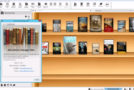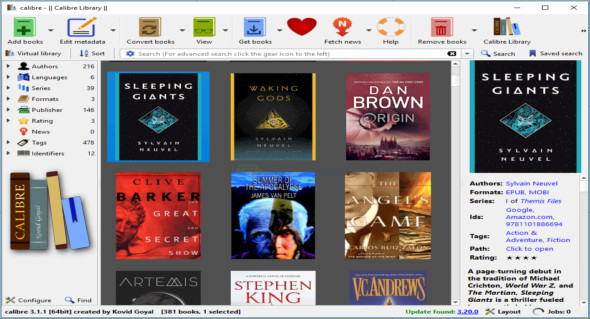
Calibre is an application that allows you to easily view, convert, and organize ebooks. You can add ebooks (from one or more directories) using the file browser or drag-and-drop functionality. You can also add books by entering their ISBN code.
In the tag browser, you can sort ebooks based on their author, language, series, format, publisher, rating, news, tags and identifiers.
Thus, you can download or edit metadata individually or in bulk, obtain covers, merge e-book records, convert e-books individually or in bulk (to XML, CSV, EPUB, MOBI and other formats), as well as send emails, books to devices.
You can also use the "Fetch Information" feature to download information from websites and convert it to your preferred ebook format. You can schedule news downloads, add custom sources, or download all scheduled news sources.
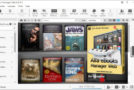
Calibre software lets you create and switch between libraries, rename, delete, back up, and restore libraries, connect to iTunes, start a content server, search and sort ebooks, and more. It's easy to use and an excellent solution for viewing and organizing ebooks in various formats. You can also download Alfa eBooks Manager.
Calibre application features
– E-book manager
– Powerful application for managing ebooks
– Organize the books and sort them accordingly
– Add metadata and comments to improve search
– Displaying, converting, and categorizing electronic books
– Manage the display of e-books
– Powerful format conversion functions
– A very user-friendly environment
– Synchronization with E-Reader devices
–Supports book storage based on title, date, publisher, and other descriptions
– Caliber portable app
Version : 9. 2.1
Language : Multilingual (French included)
Size : 209.73 MB / Laptop: 264.14 MB
Configuration:
– Windows (x32/x64 Bits): 7, 8, 8.1, 10, 11
Download Calibre v9.2.1
Download Calibre Portable v9.2.1
This article was updated on February 8, 2026