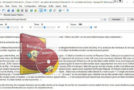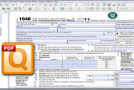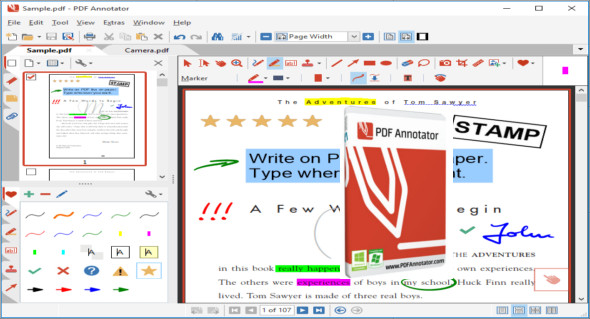
PDF Annotator is an office software that allows the user to open any PDF file and add annotations, using the mouse or a tablet PC stylus, directly onto the pages of the PDF file. You can also use Ashampoo PDF Pro.
The annotated documents can then be saved directly as PDFs. This way, anyone can read or print the annotated PDFs. The annotated documents can also be easily attached to emails.
Previously, annotating, commenting on, or proofreading a document received for review in PDF format was only possible by using multiple software programs sequentially or by printing the document and adding comments manually. With PDF Annotator, annotations can also be added naturally using a stylus, but everything remains in digital format. PDF Annotator allows you to comment on PDF files in a single step.
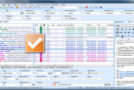
Annotation manager in the sidebar
– Get an overview of all annotations in a document.
– Access annotations quickly.
– Perform operations on any selection of annotations.
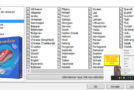
Filter the annotations
– Display only a filtered subset of your annotations in the new Annotations sidebar.
– Filter by type, color or page number.
Printing annotations
– Print a detailed list with small previews of each annotation in a document.
– Print a preview describing only the pages containing annotations.
Version : 9.0.0.914 /Mobile: 9.0.0.910
Language : Multilingual (French included)
Size : 94.80 MB / Portable: 105.62 MB
Configuration:
– Windows (x64 Bits): 7, 8, 8.1, 10, 11
PDF Annotator 9.0.0.914
PDF Annotator Portable 9.0.0.910
This article was updated on May 10, 2023