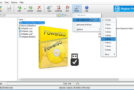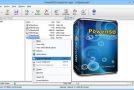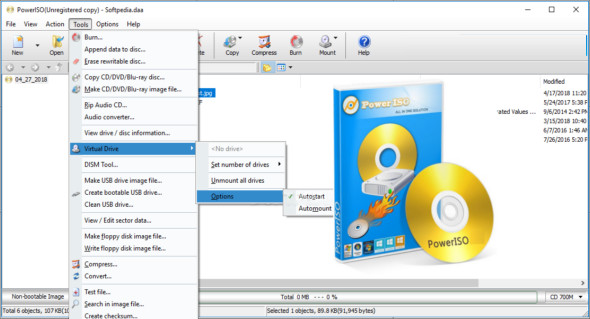
PowerISO is a powerful application for working with ISO images. PowerISO Portable provides comprehensive support for creating, editing, and burning ISO images. It's a reliable program with an intuitive set of options that improves workflow and provides quick access to disc images.
With PowerISO, you can create, edit, and extract disk images. It provides a comprehensive environment for managing various types of disk images, and its search functionality helps users browse and find specific data within the image. Furthermore, you can create and burn compressed CDs and many other types of discs, as well as removable drives with bootable options for installing the operating system or direct CDs. You can also use UltraISO Premium.
With the Power ISO program you can cut, split, resize and manage various disc images. The program supports almost all CD/DVD/BD-ROM image file formats (ISO, DAA, BIN/CUE, DAA, UIF, DMG, MDF/MDS, ASHDISC, BWI/B5I, LCD, IMG, CDI, CIF, P01, PDI, NRG, NCD, PXI, GI, FCD, VCD, C2D, BIF).
Features of PowerISO + Portable
– Powerful application for processing ISO images
– Creation, editing and management of disk images
– Organize the content of the images
– Burn discs and create audio CDs
– Provides an intuitive set of operations
– Splitting and merging disk images
– Integrated search function in disk images
– Create USB drives with boot options for installing Windows
– Supports all common image formats
– Cut, divide and reduce the size of images
– Create virtual drives to mount the images
– Simple and intuitive user interface
Version : 9.3
Language : Multilingual (French included)
Size : 25.79 MB
Configuration:
– Windows (x86/x64 Bits): 7, 8, 8.1, 10, 11
Download PowerISO v9.3 + Portable
This article was updated on March 2, 2026