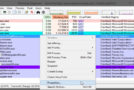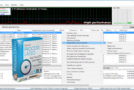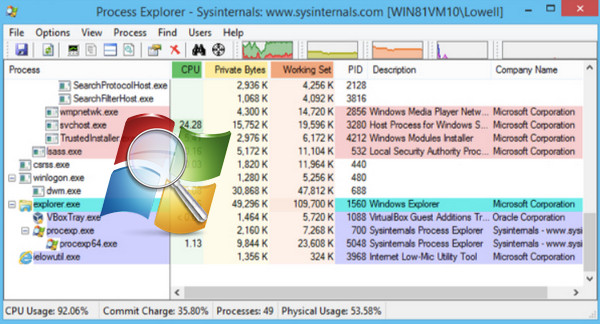
Process Explorer allows you to view a list of open applications. These applications can be suspended when they are unresponsive. The tool also allows you to switch between programs.
When diagnosing a system, the first instinct is to check the running processes in the Task Manager. However, other software exists that can perform even more advanced tasks.
Indeed, Process Explorer is a program that can perfectly replace the default Windows task manager.
Main features
System diagnostics can be performed using the Task Manager. In other words, the application highlights the processes consuming the most memory. These processes can be terminated at any time. However, there remains a risk of disrupting the operation of the entire system.
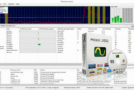
Furthermore, system performance can also be analyzed using Process Explorer, which displays the history of CPU usage and file transfer activity. When the system has multiple users, some sessions may not be able to be closed normally.
The software actually allows you to force the session to close without any risk of file loss.
Configuration:
– Windows (x32/x64 Bits): XP, Vista, 7, 8, 8.1, 10
– Processor: Pentium 4 3GHz
– RAM: 512 MB
– Disk space: 20 MB
Facility :
For the systems x64 Bits
- Execute : procexp64.exe
For the systems x32 Bits
- Execute : procexp.exe
- Language : English
- Size : 1.8 MB
This article was updated on December 3, 2016