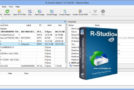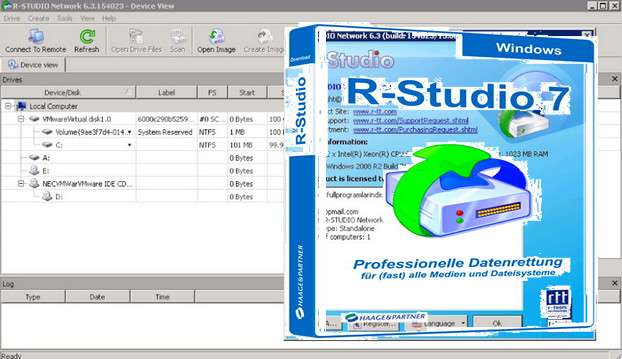
Featuring unique new data recovery technologies, R-Studio is the most comprehensive data recovery solution for operating on NTFS, NTFS5, ReFS, FAT12/16/32, exFAT, HFS/HFS+ (Macintosh), small and large entian variants of UFS1/UFS2 (FreeBSD/OpenBSD/NetBSD/Solaris), and Ext2/Ext3/Ext4 FS partitions (Linux). It also utilizes raw file recovery (analysis of known file types) for severely damaged or unrecognized file systems.
It works on local or network drives, even if partitions are formatted, damaged, or deleted. Flexible parameter settings give you complete control over data recovery.
In addition to being a comprehensive data recovery tool, R-Studio also includes:
– An advanced RAID reconstruction module.
– A full-featured text and hexadecimal editor
– A complete disk copy and imaging module combined into a single software, making R-Studio the ideal solution for creating a data recovery workstation.
R-Studio tools retrieve files:
– Deletion outside of the Recycle Bin, or when the Recycle Bin has been emptied;
– Deleted by a virus attack or power outage;
– After the partition with the files has been reformatted, even for a different file system;
– When the partition structure on the hard drive has been changed or damaged. In this case, R-Studio tools can scan the hard drive, trying to find previous partitions and recover data from those partitions.
– From a hard drive with bad sectors. R-Studio data recovery software can first copy the entire disk or a portion of it as an image file and then process the image file. This is especially useful when new bad sectors are constantly appearing on the hard drive and the remaining data needs to be backed up.
Configuration
Windows: XP/Vista/7/8/8.1/10
CPU: P4 3GHz
RAM: 128 MB
Disk space: 70 MB
Installation:
In pictures:
Installing R-Studio 7.8 build 161189.pdf
Installing R-Studio 7.8 build 161189.jpg
SUMMARY :
1 – Install the application and then close it
2 – Copy and paste the patch into the installation folder
3 – Launch the patch
4 – Launch the program and enter name, company and the key provided in “Registration Key.txt”
- Language: French / Multilingual
- Size: 40.63 MB
This article was updated on July 21, 2016