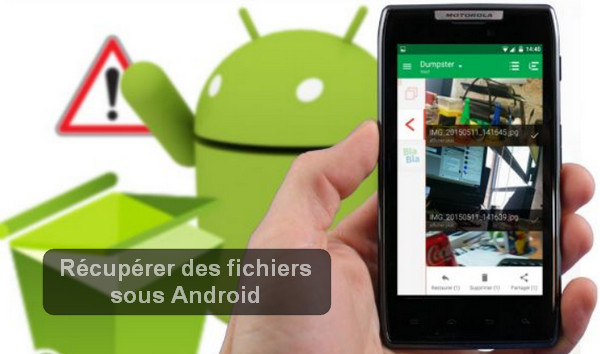
A simple and quick technique to recover deleted Android files.
Recovering files that are deleted from the SD card and recovering files deleted from the phone's internal memory.
Files deleted from an SD memory card
In this case, you will only need a computer and data recovery software such as Recover My Files.
You put the SD card in a reader and launch the software… After a quick scan on the SD memory card, you will see the missing files and you will be able to recover them.
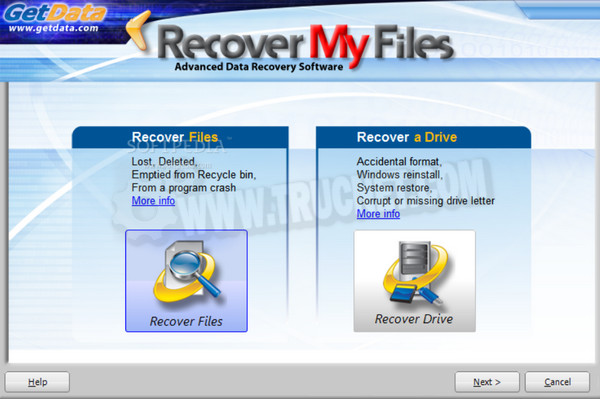
You can also install an alternative to Recover My Files: it's called 7-Data Recoveryand it works in much the same way as the one shown above.
Files deleted from Android internal memory
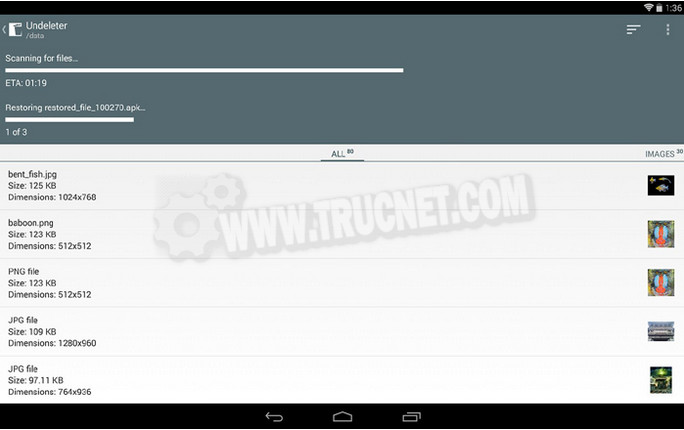
The solution is called UndeleteUndelete is an Android application with a user-friendly interface that allows users to recover deleted files from internal storage. The application requires superuser privileges, so your phone will need to be rooted to use it.
Undelete also gives you the option to permanently destroy any files that are still recoverable.
How do I use undelete to recover my files?
Start by Download UndeleteDuring installation, the application will ask for permission to test if your phone is rooted. Accept to access the main interface.
Here, you can specify the location to scan for restoration and the path where you want to place the restored files. When you're ready, tap Scan Storage.
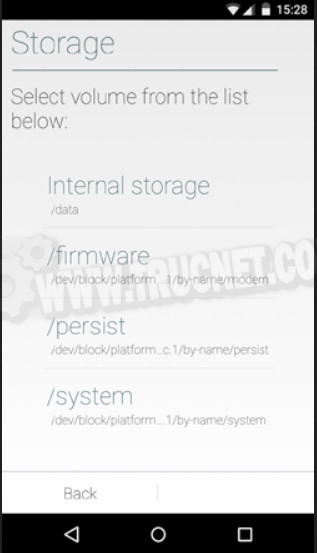
The scan is super fast. The software will give you a list of the files it found. Make your selection (or select all) before clicking Restore.
This article was updated on August 3, 2016