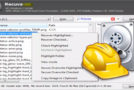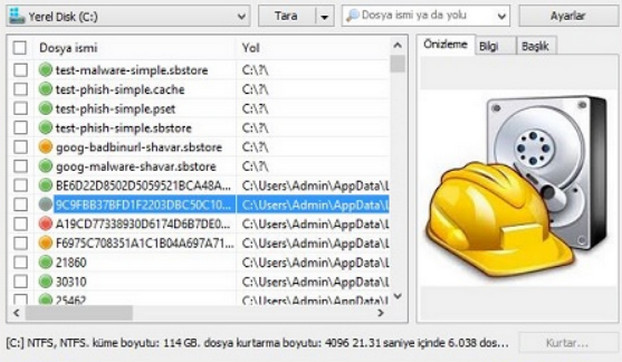
Recuva (pronounced "recover") allows you to recover "lost" files, like several other utilities of its kind (notably SoftPerfect File Recovery, PC Inspector File Recovery, or Restoration). However, one detail immediately stands out: it is developed by Piriform, the publisher of the excellent CCleaner. It features the same simple and efficient interface: launch the quick scan on the volume of your choice, and the results are displayed in a few seconds. However, unlike PC Inspector File Recovery or SoftPerfect File Recovery, Recuva displays detailed information about the file's condition: an estimate of its "state" (poor, excellent, etc.) and details of the clusters overwritten by another file.
Configuration:
Windows XP, Vista, 7, 8, 8.1, 10 (32-bit or 64-bit)
CPU: P4 3GHz
RAM: 1 GB
HDD: 30 MB
Facility:
1. Install rcsetup153
2. Do not open it
3. Go to the Crack folder.
*For the pro version, copy the files from the Professional folder into the Recuva installation folder.
*For the business version, copy the files from the Business Edition folder into the Recuva installation folder.
*For the Technician version, copy the files from the Technician Edition folder into the Recuva installation folder.
Portable version:
1. Go to the Crack folder.
*For the pro version, copy the files from the Professional folder into the Portable Version folder.
*For the business version, copy the files from the Business Edition folder into the Portable Version folder
*For the Technician version, copy the files from the Technician Edition folder into the Portable Version folder
- Language: French
- Size: 15.2 MB
This article was updated on August 12, 2016