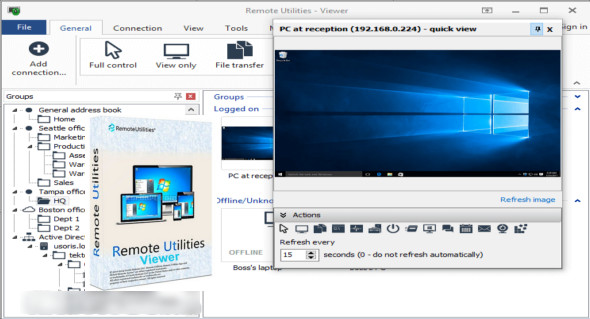
Remote Utilities Viewer is an application that allows you to connect to remote servers over a network for complete control, sending messages, transferring files, chatting, recording audio, and much more.
This Remote Utilities – Viewer application allows you to create a network connection over your local network. You can remotely access another computer using a mouse and keyboard, as well as perform file transfers, among other functions. Remote Utilities can also be used to manage saved RDP sessions and connect to a remote computer over the internet using the RDP protocol. You can also download Remote Desktop Manager.
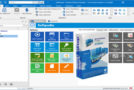
This application allows you to start by populating a list of remote computers to connect to, specifying the connection name, IP address, DNS, Internet ID, etc. Once you've connected to a remote computer, you can enter full-screen mode to view its desktop, execute commands, and navigate the disk. You can also modify the display and capture methods, including using the clipboard and keyboard shortcuts. You can organize devices into different groups and send a ping signal to check the connection strength between the local and remote computers.
Remote Utilities Viewer Features
– Secure and configurable remote desktop software.
– Connect to a remote desktop from anywhere
– View screens remotely, send files and control with the mouse pointer
– Easily integrate the remote controls into your Active Directory environment
– Features of remote utilities using a local server
– Connect to a remote computer via the Internet using the RDP protocol
– Use remote utilities to manage RDP sessions
Version : 7.0.0.0
Language : Multilingual (French included)
Size : 44.16 MB
Configuration:
– Windows (x32/x64 Bits): 7, 8, 8.1, 10
Remote Utilities Viewer 7.0.0.0
This article was updated on February 27, 2021