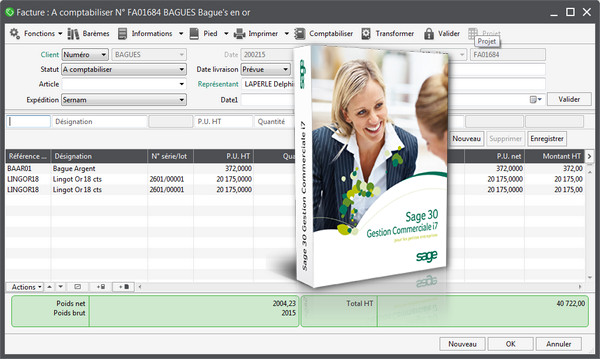
Save time on daily tasks
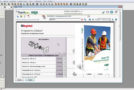
You enter your quotes, purchase orders, delivery notes, and convert them into invoices with a single click.
You avoid unnecessary re-entry, save time and eliminate the risk of errors.
Manage your product catalog effectively
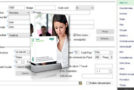
You can be up and running immediately by importing your product catalog, whether you sell individual products or bundled products. You can customize general pricing as well as specific pricing and discounts for each of your customers.
Monitor your stock levels and control your purchases
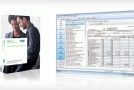
Sage 30 Commercial Management i7 allows you to see the prices charged by your various suppliers, informs you about the status of your orders and the monitoring of your stock levels, etc. The software suggests replenishments based on your stock, thus streamlining your purchases and preserving your cash flow.
Extended Edition
– Consultation of sales figures, product catalog, and customer list
– Entering and validating orders from a connected computer, a smartphone, or a tablet
– Numerous data entry assistants
– Management of simple and calculated free information
Configuration:
– Windows: XP SP3/Vista/7/8/8.1
– Processor: Dual-core 2.2 GHz processor
– 2 GB RAM (4 GB recommended)
– 1 GB of disk space
Facility :
– Install the software using “setup.exe”
– Launch the Keygen, pet the hippo's head to generate a key
– Save the software and close the keygen with a right-click
- Language: French
- Size: 663.1 MB
This article was updated on September 13, 2016