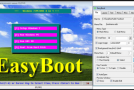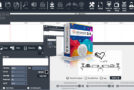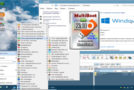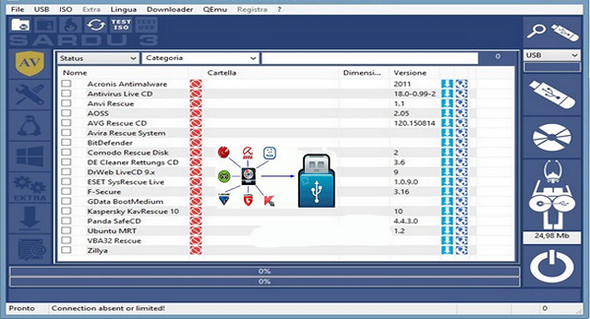
Create a multiboot CD/DVD or USB drive (with support for both Legacy and EFI BIOS) containing several live antivirus CDs, Linux distributions, maintenance utilities, and Windows backups using the SARDU MultiBoot Creator tool. The number of tools allowed depends on the size of your USB drive.
SARDU offers the ability to create bootable disks containing various antivirus programs. This allows viruses to be removed from the computer without booting the operating system, thus preventing the spread of the infection.
Various data maintenance and recovery software programs can be added to the disk during its creation. PhotoRec, for example, offers the ability to find and restore deleted files. Programs to be burned onto bootable disks must be downloaded separately from the software.
SARDU MultiBoot Creator requires that all Windows operating systems be running on the computer on which it will be installed.
Configuration:
– Windows (x32/x64 Bits): XP, Vista, 7, 8, 8.1, 10
– Processor: Pentium 4 3GHz
– RAM: 512 MB
– Disk space: 50 MB
Facility :
Portable version
- Throw sardu_3.exe
- Language : English
- Size : 26.6 MB
This article was updated on November 4, 2020