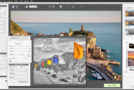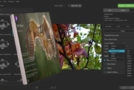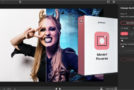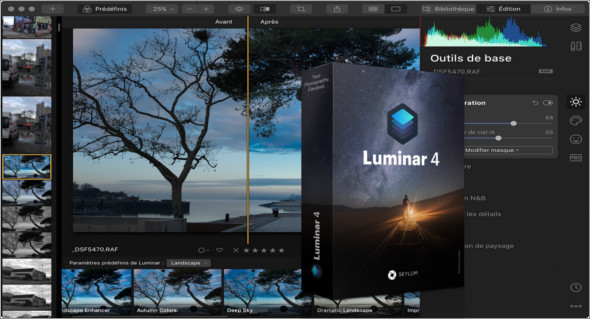
Luminar is a comprehensive photo editor. It offers over 300 robust tools and features, including fast RAW support, layers, a custom brush for selective retouching, masking, dozens of photo filters with custom settings, presets, and more. You can also use Luminar AI.
Skylum Luminar also offers an innovative user interface that photographers can adjust and customize to suit their photographic style, skill level, and preferences. This makes Luminar a highly personalized photo software tool suitable for photographers of all levels.
Luminar is a great image editor that can be adapted to your style and skill level. It offers the versatility to support a wide range of cameras and photography styles. It's designed to make complex photo editing easy and enjoyable. Luminar can help meet everyone's photography needs, from fixing intricate image problems to creating clever stylizations.
Features of Skylum Luminar
– A complete image enhancement solution
– Improves the look and feel of digital images
– Enhance photos with various filters
– Over 300 image editing tools and 35 filters
– Customize the appearance and usability of images in just a few clicks
– Displays the layered changes in images
– Provides a complete history of changes to revert to the previous state
– Modifying layers individually and enhancing photos
– A pleasant and easy-to-use solution
– Customize a specific area of the images
– Various drawing and painting tools
– Work with RAW photos and use custom workspaces
– Professional environment with many powerful features
Version : 4.3.3 (7895)
Language : Multilingual
Size : 557.98 MB
Configuration:
– Windows (x64 Bits): 7, 8, 8.1, 10
Skylum Luminar 4.3.3 (7895)
This article was updated on June 16, 2021