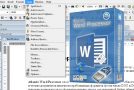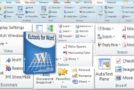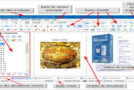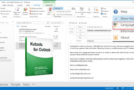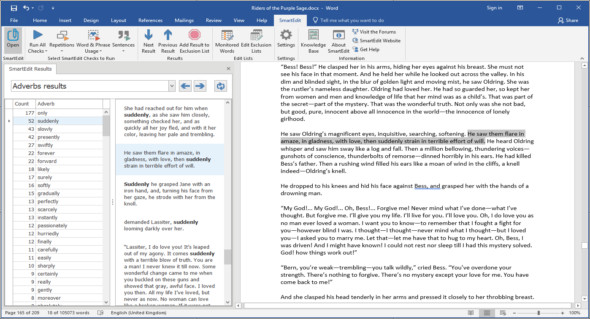
SmartEdit is a Microsoft Word add-in for creative writers. It streamlines the editing process, making your work easier and faster. If you're writing a novel or short story, SmartEdit will help you polish that first draft in record time.
Identify the overuse of words and phrases
Do you start your sentences with the same word or phrase? Do you use certain words too often? SmartEdit will spot these easily overlooked flaws so you can correct them.
Watch for adverbs and words
Do you rely on certain words and phrases? Do you use a few too many adverbs? Do you like unusual dialogue tags too much? SmartEdit will spot these problems wherever they are in your novel and show them to you so you can fix them.
Improve sentence structure and punctuation
Too many long sentences? Fix that in minutes with SmartEdit. Have a misplaced love for semicolons? SmartEdit will show you them all so you can decide whether they belong or not.
What does SmartEdit do? ?
SmartEdit performs over 25 checks on your document and highlights potential problems, including:
– Repeated words and phrases
– Excessive use of adverbs
– Misused words such as "breathed" instead of "breathing"
– Long and winding sentences
– Use of crutch words
– Unusual dialogue tags that shouldn't be there
– Misnamed names that you missed
– Excessive use of semicolons and exclamation points
What doesn't SmartEdit do?
– He's not telling you to delete or replace a word
– It does not make any automated changes for you
He doesn't make any suggestions
That doesn't tell you whether your work can be good, bad, or somewhere in between.
Configuration:
– Windows (x32/x64 Bits): 7, 8, 8.1, 10
– Word: 2016, 2013, 2010 and Office 365
– Processor: 1 GHz
– RAM: 1 GB
Language : English
Size : 26.2 MB
This article was updated on October 22, 2018