Sublime Text offers developers a text editor that stands out from the others with its interface and features.
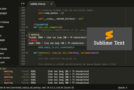
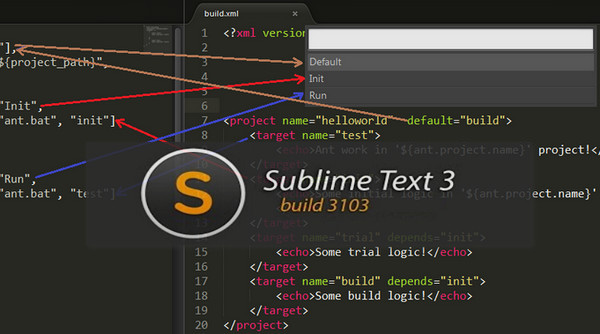
The application supports syntax highlighting according to the programming languages used.
Sublime Text has a convenient interface that includes a panel with the folder structure of the different edited sources.
Next, there is tab management for quick access to files being edited.
Finally, Sublime Text offers advanced editing features such as instant variable modification or the display of code thumbnails in a panel to the right of the edited text.
Configuration
Compatibility: OSX/Ubuntu/Windows XP/Vista/7/8/8.1
Pentium 4
512 MB of RAM
1 gigabyte of disk space
Facility :
– Launch the Sublime Text executable for your Windows, Ubuntu, or OSX version
– I will start Sublime Text 3
– Next, go to Help and enter the License file located in BEGINLICENSE.txt
- Language: English
- Size: 37.9 MB
This article was updated on September 5, 2016