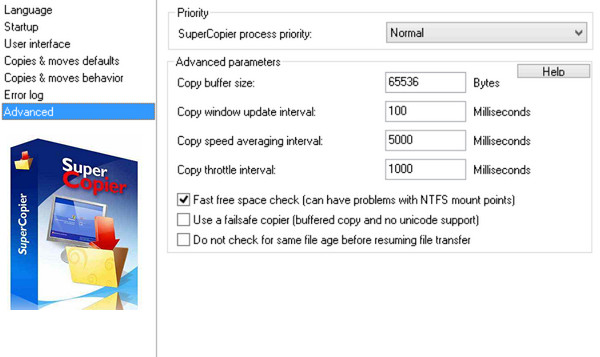
SuperCopier is an open-source software that simplifies the file copying process. You can configure copy speed, copy behavior, and the error dialog box. You can customize the user interface and progress bar, and also save the error log to a specific destination folder.
Configuration:
Windows: Windows XP/7/8x/10 (32-BIT + 64-BIT Editions)
CPU: P2
RAM: 64 MB
Disk space: 70 MB
Facility:
01. Install the desired version of SuperCopier (AMD K8+ – Core 2+ – i3/i5/i7)
02. At the end of the installation, do not start the application.
03. Replace "Supercopier.exe" (default in Program Files\Supercopier) with the one from the Crack directory.
04. Uncheck "Check for updates" in the software settings
This article was updated on July 31, 2016