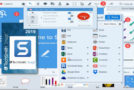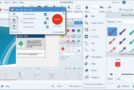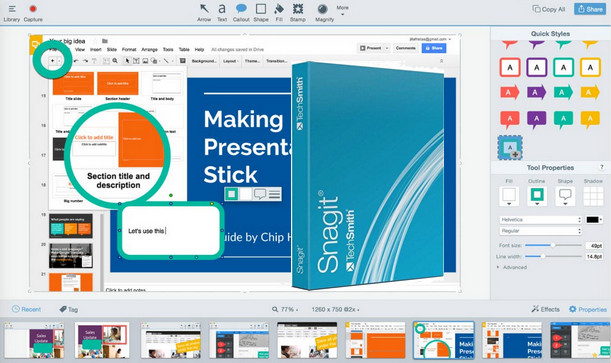
Much more than just a screen capture tool, SnagIt lets you capture video and image screenshots, edit them to your liking, and share them. It's published by TechSmith, the creator of Camtasia Studio video capture software. For screen capture, SnagIt can capture a predefined area, the entire screen, or a vertical scrolling window from a web page or third-party application. You can also record video by capturing a specific area and your microphone, which is handy for creating your own tutorials. The software stands out thanks to its SnagIt Editor, which allows you to add shapes, erase elements with the eraser, rotate, crop, and resize your images. You can also trim your video captures to your desired length. SnagIt also offers numerous export and sharing options. This allows you to send your video captures directly to Camtasia Studio, Microsoft Office, and online services such as Google Drive, Dropbox, YouTube, and Screencast.com, the publisher's own hosting service. Designed for all users, from beginners to experienced professionals, SnagIt boasts a user-friendly interface for quick and easy setup, with keyboard shortcuts and workflow management that greatly simplify the process. Finally, it's worth noting that SnagIt is available as a free 15-day trial version, which may limit some editing and sharing features.
Configuration:
OS: Windows 7SP1, 8, 8.1, 10 (32-bit or 64-bit)
CPU: 2.4 GHz (i5 Dual Core recommended for video capture)
RAM: 1 GB (4 GB recommended for video capture)
HDD: 400 MB
.NET Framework 4.6 or later
Facility:
1. Install the program
2. Open the program and click on Unlock
3. Use the serial number.
- Language: English
- Size: 86.9 MB
This article was updated on December 17, 2020