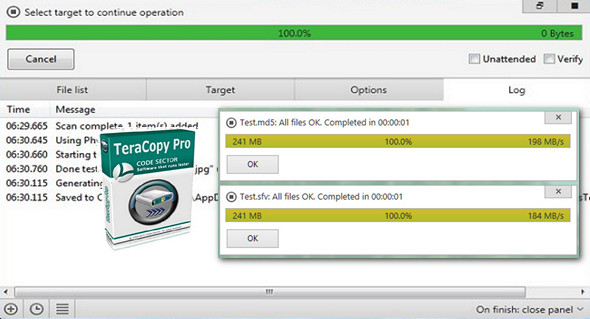
TeraCopy is a compact program designed to copy and move files at the highest possible speed, providing the user with a large number of features:
– Copy files faster. TeraCopy uses dynamically adjusted buffers to reduce seek times. Asynchronous copying speeds up file transfers between two physical hard drives.
– Suspend and resume file transfers. Pause the copy process at any time to free up system resources and continue with a single click.
– Error recovery. In case of a copy error, TeraCopy will try several times and, in the worst case, skips the file, without completing the entire transfer.
– List of interactive files. TeraCopy displays failed file transfers and allows you to resolve the problem and copy only the problematic files.
– Shell integration. TeraCopy can completely replace the copy and move functions of Explorer, allowing you to work with files as usual.
– Full Unicode support.
TeraCopy Pro:
– Copy/move to favorites folders.
– Select the files with the same extension / same folder.
– Remove the selected files from the copy queue.
– Get free updates and priority support.
Changelog:
– Added: multilingual support.
– Added: Show all options in the file replacement dialog box.
– Correction: “Keep both” now applies to a single file.
– Added: 'Close the panels' command.
– Correction: crash during the scroll log.
Configuration:
– Windows (x32/x64 Bits): XP, Vista, 7, 8, 8.1, 10
– Processor: 1 GHz
– RAM: 512 MB
– Disk space: 10 MB
Facility :
1. Install TeraCopy
2. Copy the contents of the folder Crack in the TeraCopy installation folder.
Language Multilingual (French included)
Size 4.6 MB
This article was updated on May 19, 2017