It may happen that Windows 7 displays a bubble questioning the originality of the system with a phrase similar to "This copy of Windows is not genuine".
Here are two methods to correct this error.
First method: reinstall the license files
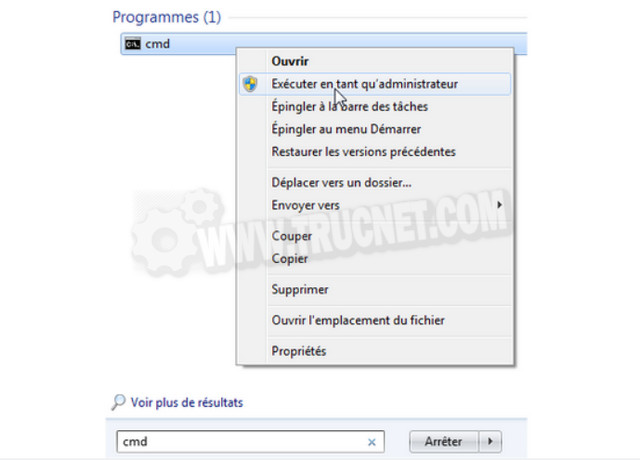
- Type cmd in the button's search field To start up
- Right-click on the result
- Select Run as administrator
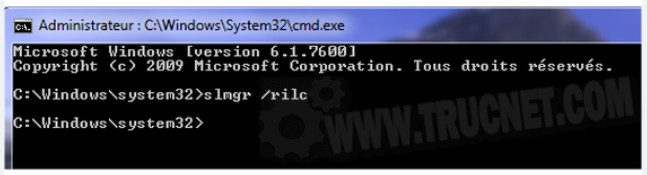
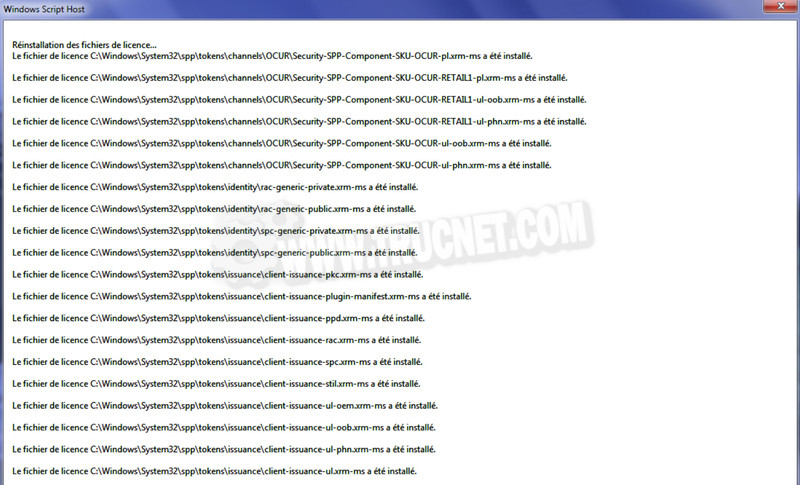
Enter then slmgr /rilc and confirm by Enter
Second method: reinstall the license state
- Type cmd in the menu search field To start up
- Right-click on the result
- Select Run as administrator
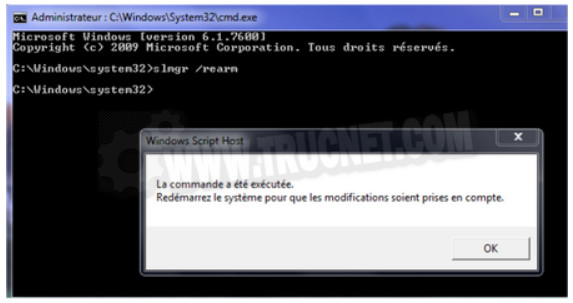
Enter then slmgr /rearm and confirm by Enter twice
Restart the computer
This article was updated on August 10, 2021